BMW ICOM V2015.08 now has been released. Here is the firmware update guide and introduction of the newest ICOM.

Device to use:
BMW ICOM
Laptop (win 7 32-bit also)
BMW ICOM 2015.8 firmware update guide:
(update file in :D\ICOM_firmware-01_38_00)
1. Please connect your ICOM with LAN cable to the computer, charge ICOM via 12V power adapter.
2. Use IE explorer to open http://169.254.92.38:60080/, user ID/password: root / NZY11502
3. Click “update firmware”. You will get the ICOM hardware version.
4. Choose “ICOM-BootImage-01-24-00.bin”, set “image type” into “SYSTEM”, then click “send the file”.
5. When it shows “write the image file to the flash?”, click “YES”. Then the light on ICOM will turn red.
6. Then it shows “The SYSTEM IMAGE update was successful”, click “update firmware”.
7. Choose “ OBD2 Scanner ICOM-ApplicationImage-01-38-02.bin”, change “image type” into “APPLICATION”, click “send the file”. (it will take some minutes to finish)
8. When it shows “Write the image file to the flash?”, click “YES”, then the ICOM light will turn red again.
9. When all runs well, click “Reboot”.
More information about icom 2015.8:
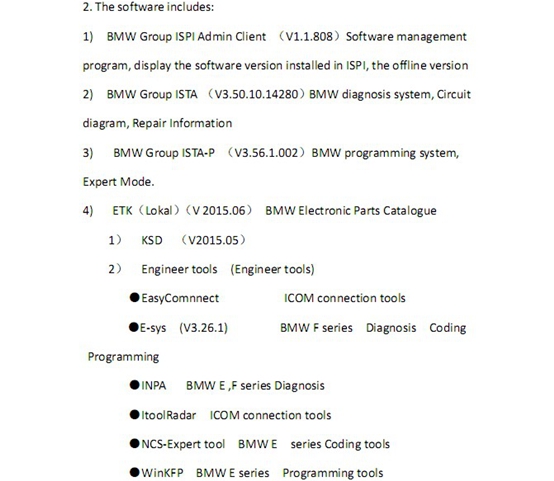
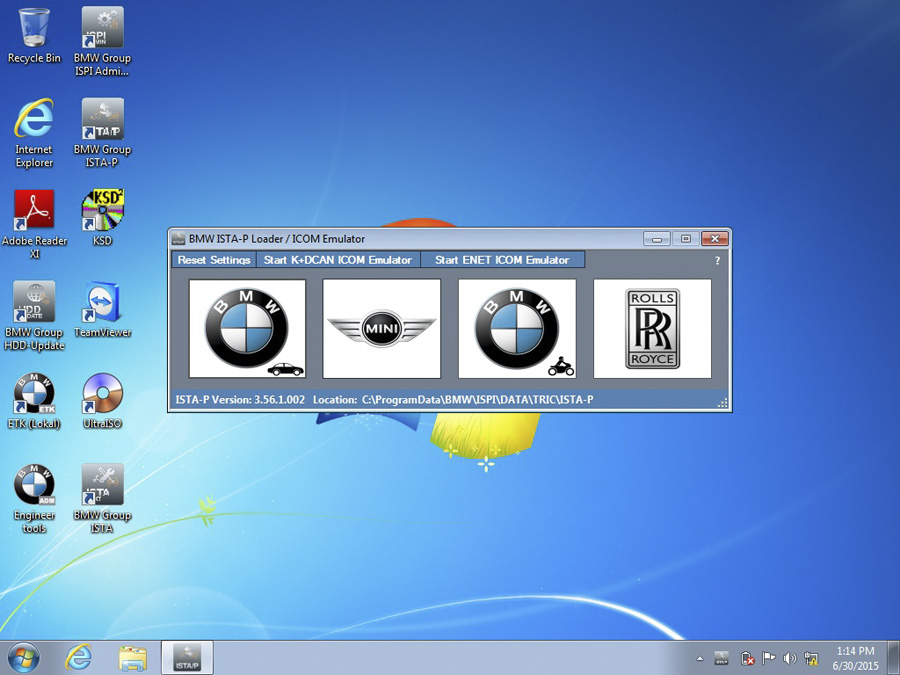
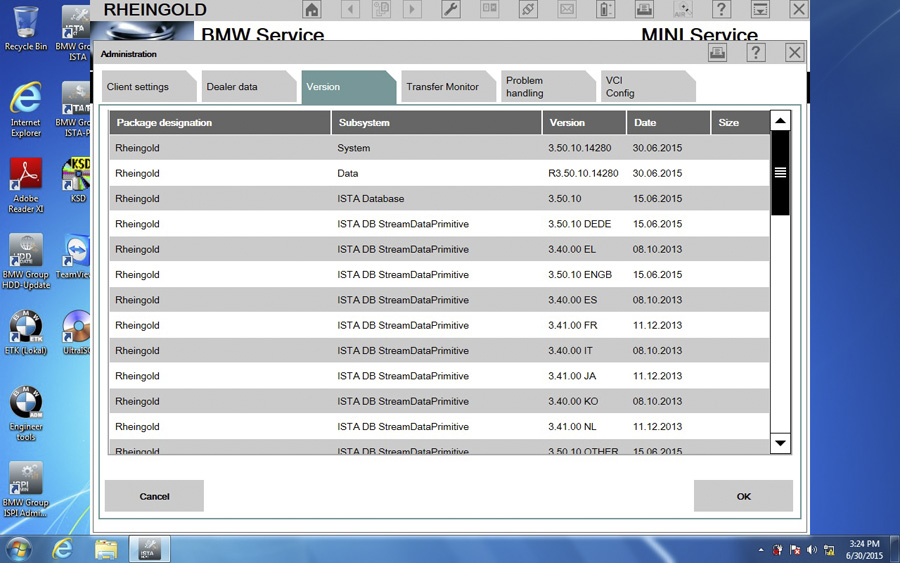
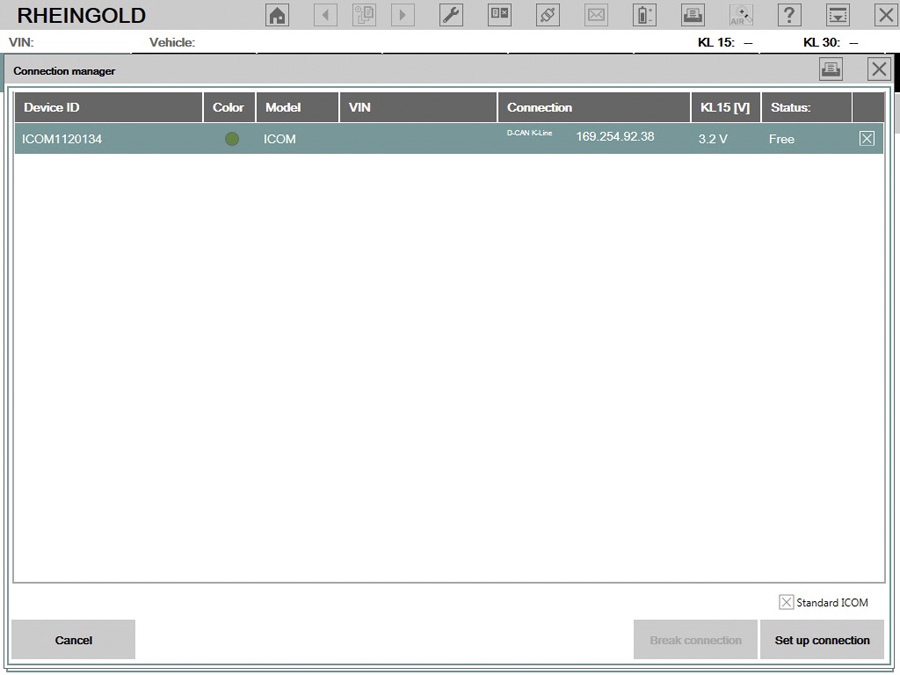
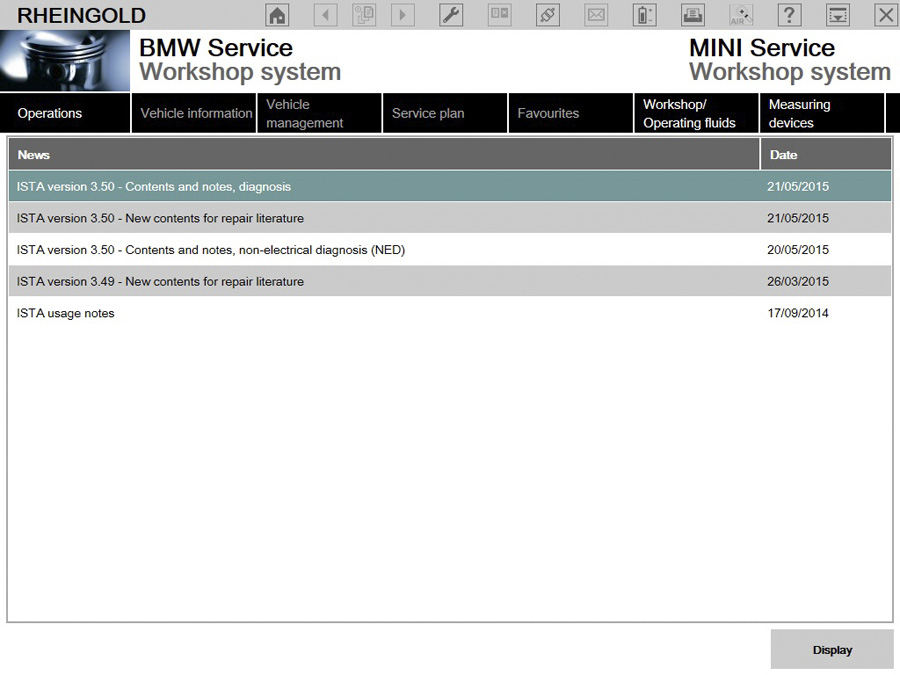
BMW ICOM V2015.08 display:
http://bmwicomscan.blogspot.com/2017/09/bmw-icom-2018-firmware-update-guide.html
|



