CGDI MB Programmer is one of the best Benz key programmer,it can program Benz key faster than other devices.Here OBD2TOOL want to share this CGDI MB programmer test report on all keys lost programming for Mercedes Benz W212.
Connect CGDI MB Prog to W212 OBD port,run software and select “EIS”–>”Read EIS Data”

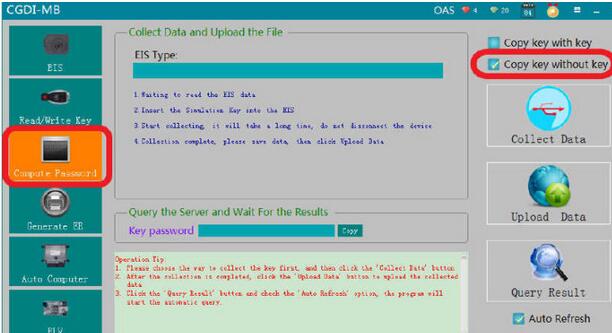
Select “Compute Password”–>”Copy key without key”,and it mean all key lost programming
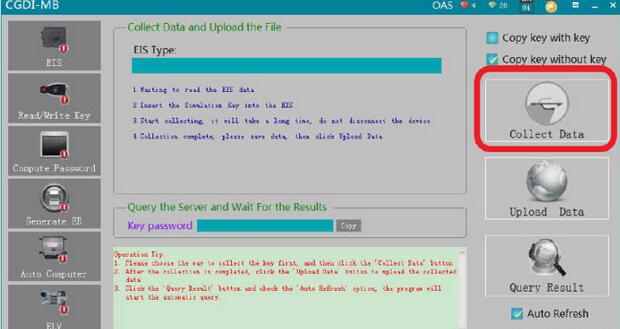
Then click “Collect Data”
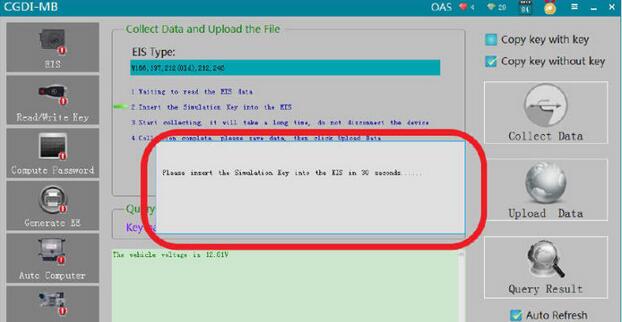
Follow the instruction to insert the simulation key into the EIS in 30 seconds…

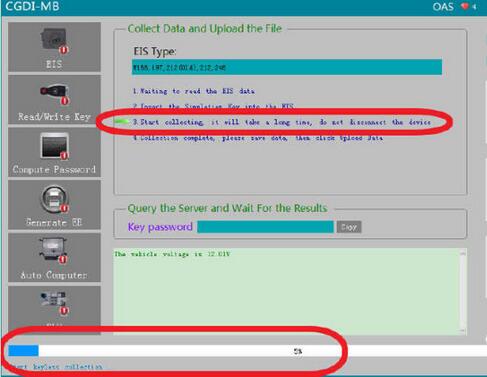
Now it starting collecting data,it will take a long time,please don’t disconnect the device
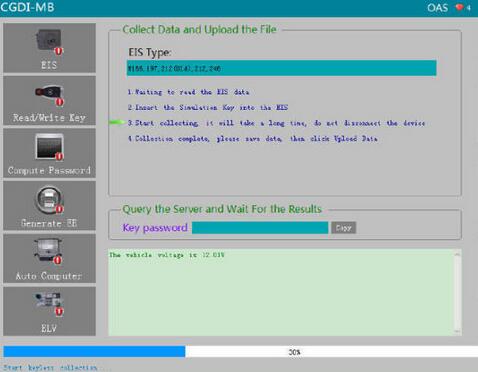
After the collecting progress completing,save the file with the default name.

It prompt “Save the file successfully.Please upload the data to calculate password”
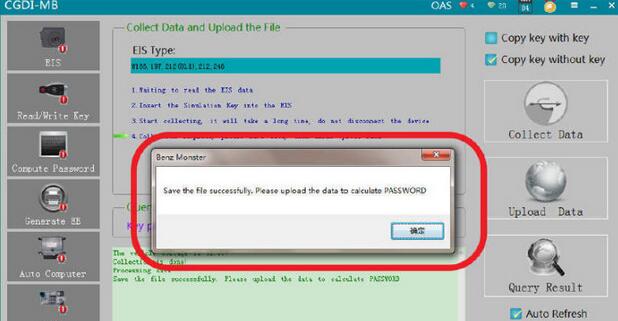
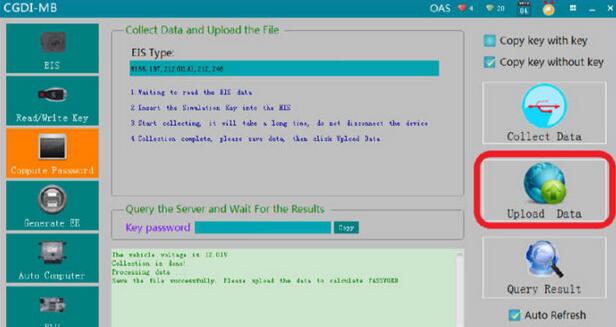
Now,click “Upload Data” to upload the data file you save just now
Upload data successfully,please click the [Query Result] button to query
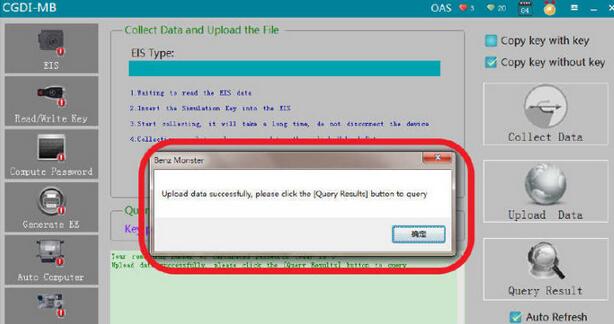
Click “Query Result”

Calculate password successfully
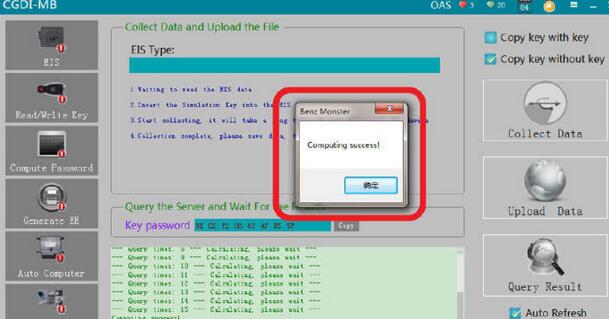
Click “Copy” button to copy the password
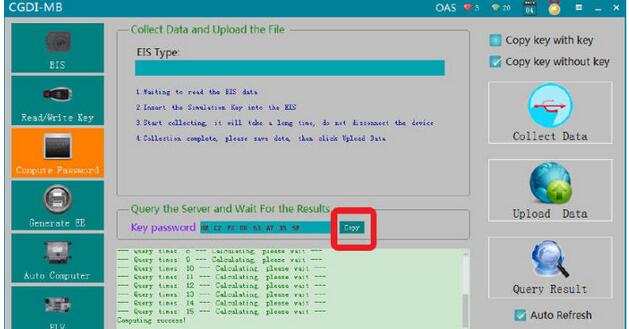
Select “EIS” menu,then click ”Paste” to paste key password

Save EIS data with default file name

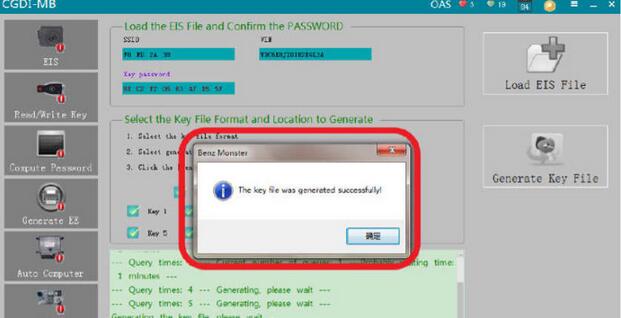
Select “Generate EE”–>click “Load EIS File” to check EIS data information
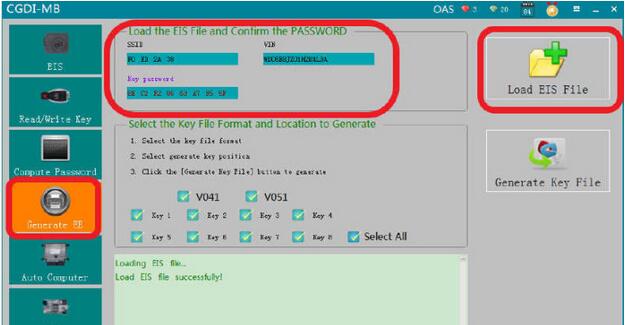
Then click “Generate Key File”
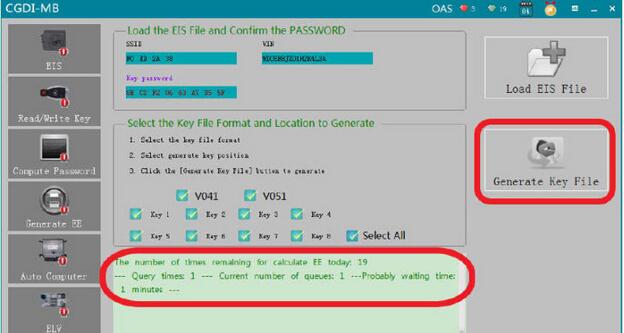
It prompt you “The key file was generated successfully”
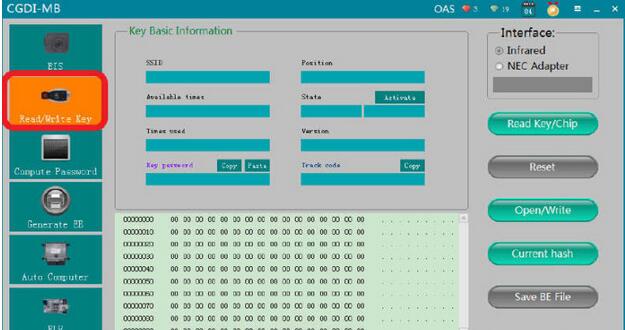
Now select “Read/Write Key”
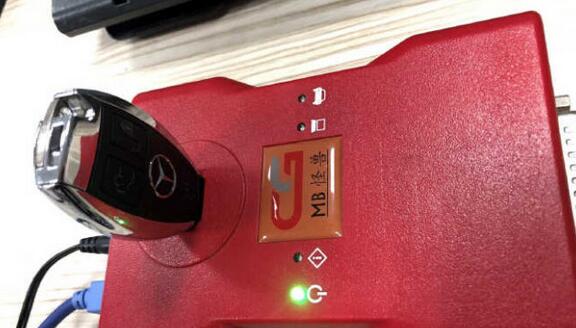
Insert the new key into the CGDI MB automotive key programmer
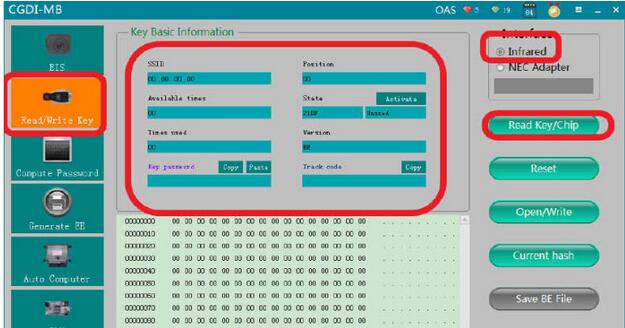
Tick “Infrared”,then click “Read Key/Chip”
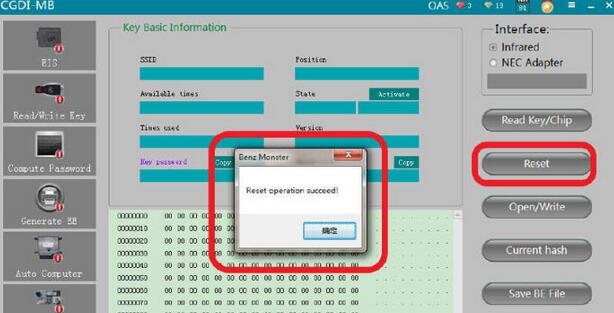
Click “Reset” button to erase key
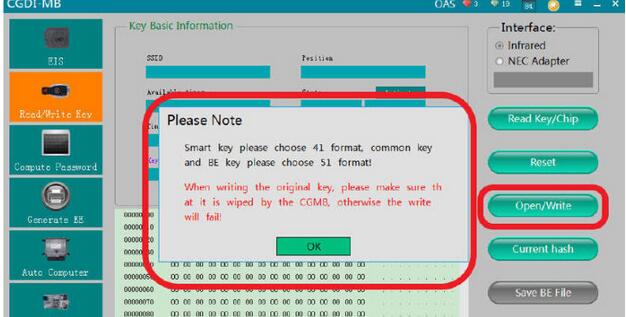
Click “Open/Write” button
Please Note:Smart key please choose 41 format,common key and BE key please choose 51 format!When writing the original key,please make sure that it is wiped by the Auto Key Programmer CGMB,otherwise the write will fail!
Click “OK” to continue
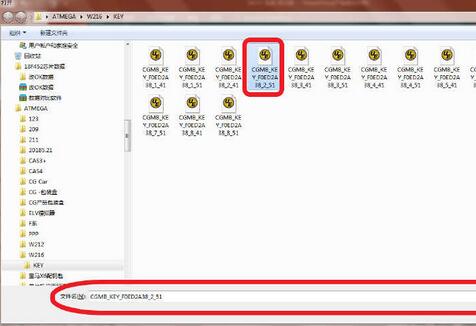
Now select a unused key file
Write success

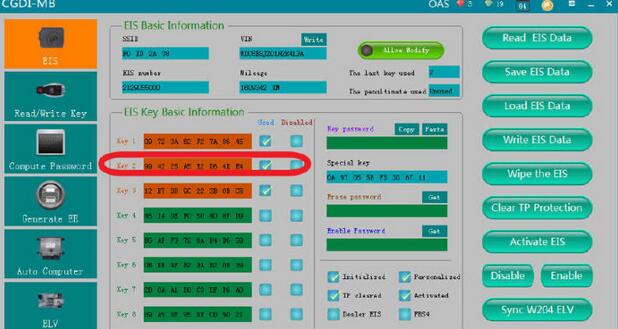
Now you can click “Read EIS Data” again to check the position key 2 is used,and if your key work correctly,it mean your programming is successful.
Done!



