Free download John Deere Service Advisor 5.2: (not activated)
https://www.autorepairmanuals.ws/arm/download.php?id=47074&user=185815
John Deere Service Advisor 4.2: (free version but not tested)
https://mega.nz/#!ADgl0YiC!yVtJgEPJrQC6sCaQYY1-QGzWRiwfZFLyYPlJhGgtw0M
Which version of JD Service Advisor should you have?
You can find a lot of John Deere Service Advisor download links on the web.
But actually, almost they don’t work. Some even can be used for trial and will require paying for activation when it expires.
If you just look for a decent program for a good price and don’t care about the originality or copy, JD Service Advisor 4.2 is the best option for you. It has been tested for many customers and professionals. All works well.
JD Service Advisor 4.0 covers vehicles to 2013;
JD Service Advisor 4.1 covers vehicles to 2014-2015;
JD Service Advisor 4.2 covers vehicles to 2016;
If your vehicles is covered, it’s good to have, crack but functional
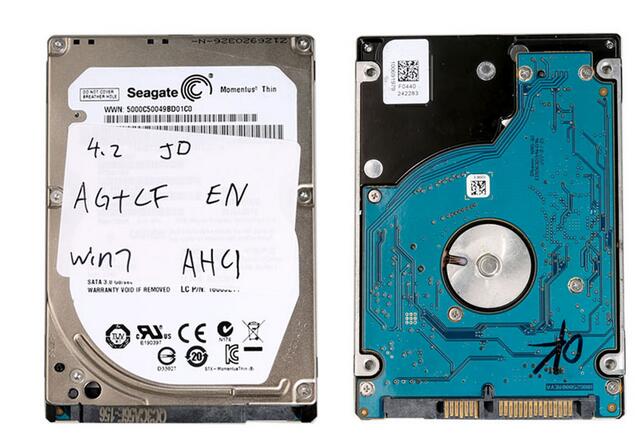
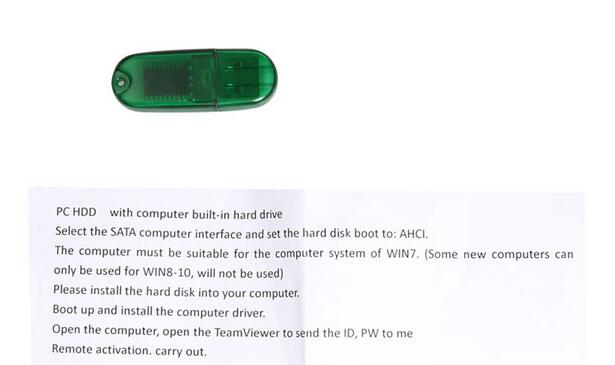
Also, it’s nice to have for newbies, coz you will have no installation issues for it comes as a disk. Just inserted to the laptop, then it works.
Also, if you don’t have a budget limit, the genuine is definitely your way to go.
What is John Deere Service Advisor 5.2?
A brand new version of John Deere Service Advisor 5.2 for AG equipment is an offline application, that use Internet Explorer browser to communicate with the user.
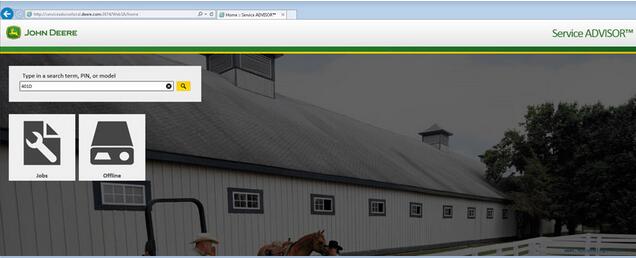 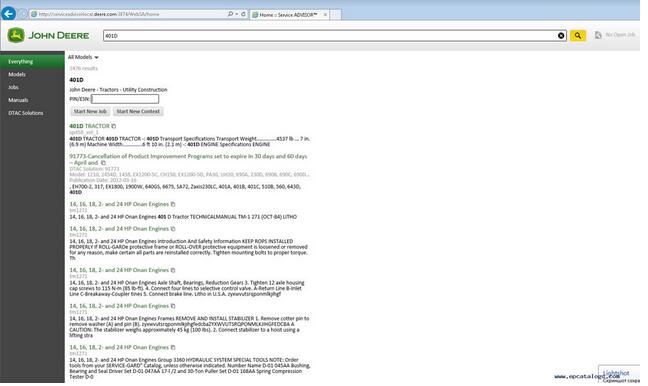 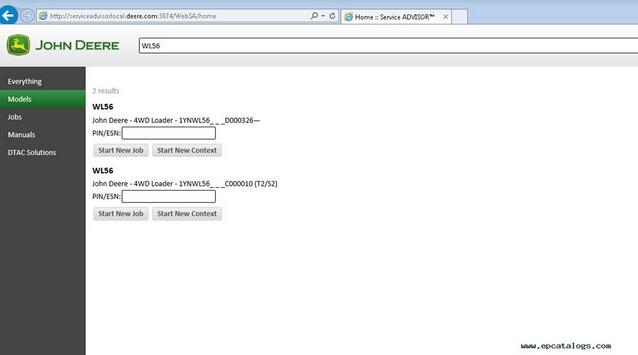  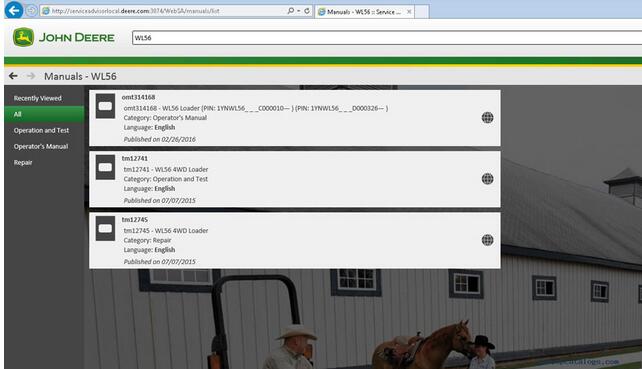 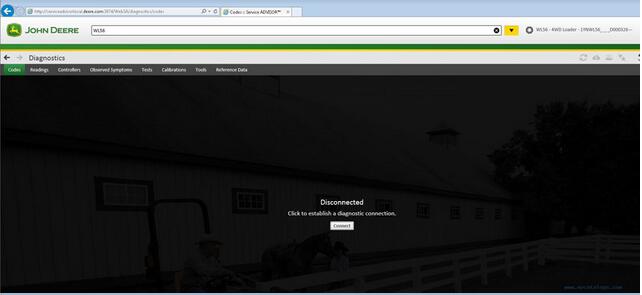 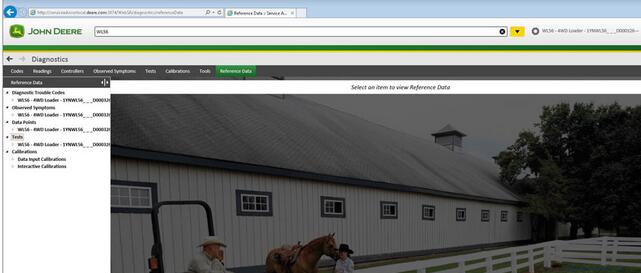
Unlike the previous version (John Deere Service Advisor 4.2), to work with the application you need:
Internet Explorer 11 (The shell)
Last version of Adobe PDF reader (you will be asked to download the last version before the installation process begin)
Last version of Java runtime environment (you will be asked to download the last version before the installation process begin)
John Deere Service Advisor 5.2 System requirements:
– O.S.: Windows 7 Pro/Ultimate; Windows 8 Pro, Windows 8.1 Pro, Windows 10 Home/Pro
– CPU: Any CPU for Windows platform
– RAM: 8 GB of system memory
– Hard Drive: 150 GB of available space
JD Service Advisor v5.2 supports genuine JD EDL V3 DLA adapter kit and the previous EDL V2 USB and BT.
The represented version of SA 5.2 allows you to start the offline version with an active internet connection
Windows 10 is fully supported by EDL v2/v3 kit
Here is the list of the models included in Service Advisor 5.2 AG and Turf Equipment.
The John Deere Service Advisor combines several versions of the program. As well as a number of related programs and diagnostic equipment
|



