china obd2 diangostic tool blog
obd2toolbella
暱稱: bella
性別: 女
國家: 美國
地區: 其他地區
« August 2026 »
SMTWTFS
1
2345678
9101112131415
16171819202122
23242526272829
3031
最新文章
the Mercedes Benz W2...
Change BMW E Series ...
GM MDI 2 Software Up...
How To Reset ECU in ...
HOW TO CLONE CHIP 46...
文章分類
全部 (152)
訪客留言
最近三個月尚無任何留言
每月文章
日誌訂閱
尚未訂閱任何日誌
好友名單
尚無任何好友
網站連結
尚無任何連結
最近訪客
最近沒有訪客
日誌統計
文章總數: 152
留言總數: 0
今日人氣: 38
累積人氣: 228
站內搜尋
RSS 訂閱
RSS Feed
2019 年 10 月 24 日  星期四   晴天


Autel IM508 & APB112 All Keys Lost Programming for Toyota Ca 分類: 未分類

 This post show you guide on how to use Autel IM508 and Autel AP112 to do all keys lost programming for Toyota Camry 2016.

Autel-IM508-&-APB112-All-Keys-Lost-Programming-for-Toyota-Camry-2016-1

Procedures:

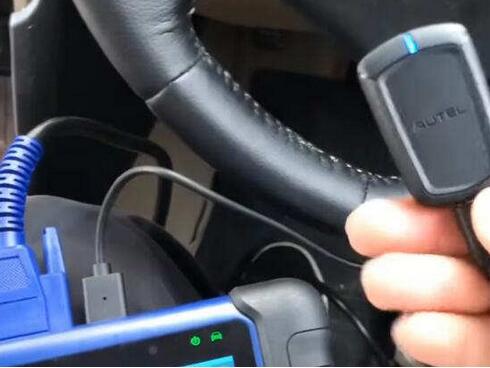
Connect Autel IM508 to Toyota Camry OBD port,and connect Autel APB 112 to IM508
Autel-IM508-&-APB112-All-Keys-Lost-Programming-for-Toyota-Camry-2016-2

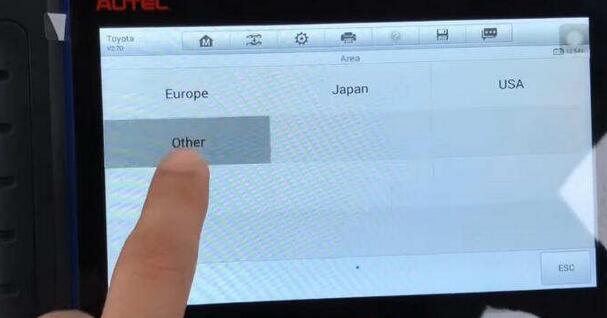
Enter “IMMO” menu–>Toyota–>Manual Selection–>Other
Autel-IM508-&-APB112-All-Keys-Lost-Programming-for-Toyota-Camry-2016-3

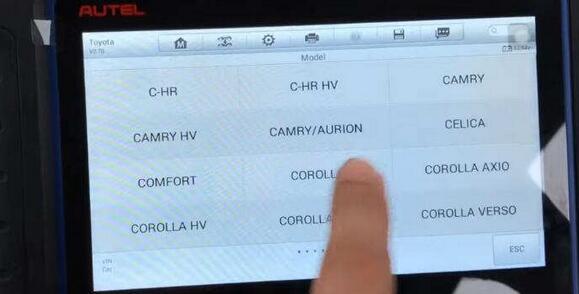
Then select “Camry”–>Smart key–>Keyless System(CAN)
Autel-IM508-&-APB112-All-Keys-Lost-Programming-for-Toyota-Camry-2016-4

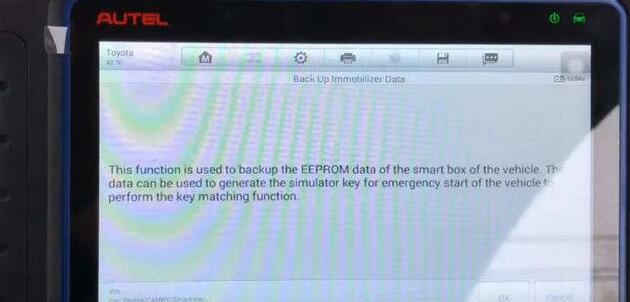
Now select “Back UP Immobilizer Data”

This function is use to back up the EEPROM data of the smart box of the vehicle.The data can be used to generate the simulator key for emergency start of the vehicle to perform the key matching function.

Click “OK” to continue
Autel-IM508-&-APB112-All-Keys-Lost-Programming-for-Toyota-Camry-2016-5

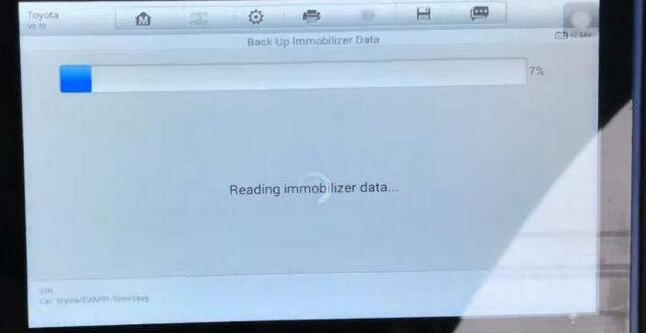
Reading immobilizer data (make sure im508 connect to network)
Autel-IM508-&-APB112-All-Keys-Lost-Programming-for-Toyota-Camry-2016-6

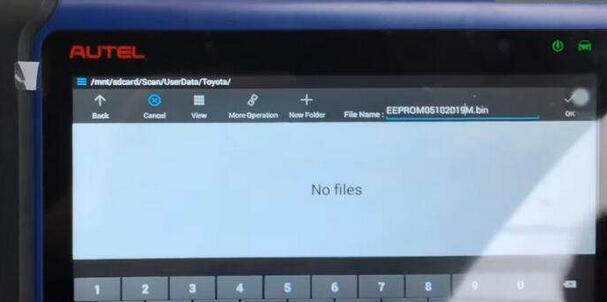
After then save the EEPROM backup data file
Autel-IM508-&-APB112-All-Keys-Lost-Programming-for-Toyota-Camry-2016-9

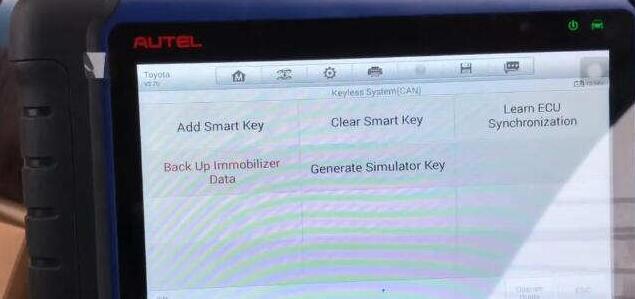
Now press “OK” button to back,and select “Generate Simulator Key”

Autel-IM508-&-APB112-All-Keys-Lost-Programming-for-Toyota-Camry-2016-6

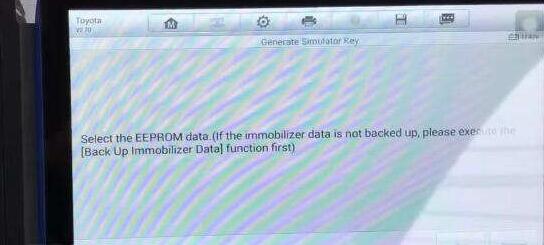
Select the EEPROM data.

Autel-IM508-&-APB112-All-Keys-Lost-Programming-for-Toyota-Camry-2016-9

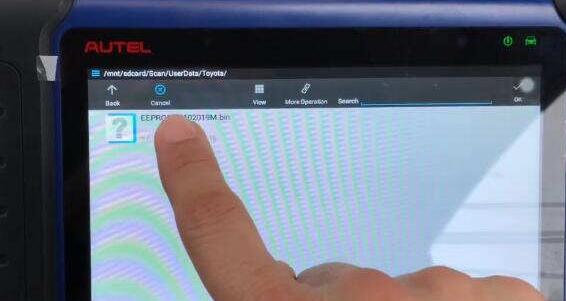
Choose the backup file you saved just now
Autel-IM508-&-APB112-All-Keys-Lost-Programming-for-Toyota-Camry-2016-10

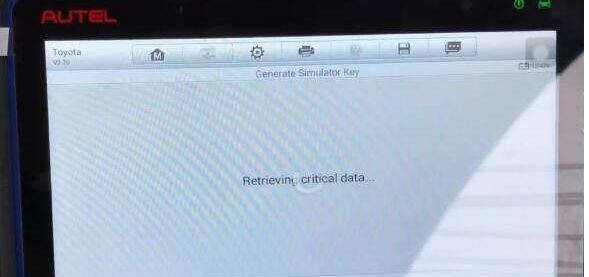
Retrieving critical data…

Autel-IM508-&-APB112-All-Keys-Lost-Programming-for-Toyota-Camry-2016-11

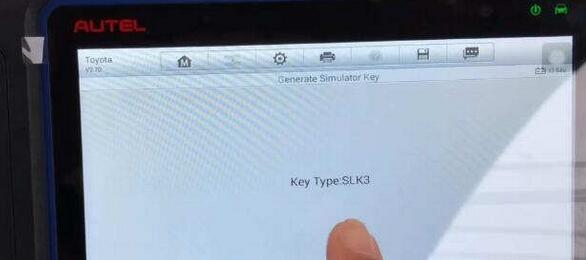
Key Type:SLK3

Autel-IM508-&-APB112-All-Keys-Lost-Programming-for-Toyota-Camry-2016-12

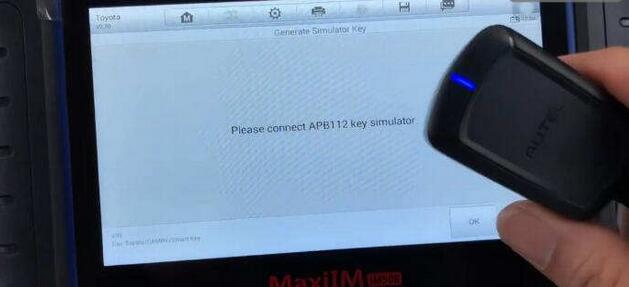
It will prompt you to connect APB112 key simulator,press “OK” to continue
Autel-IM508-&-APB112-All-Keys-Lost-Programming-for-Toyota-Camry-2016-13

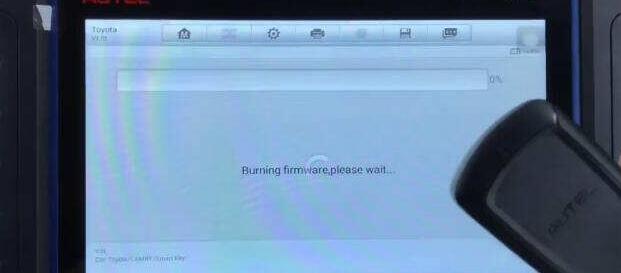
Burning firmware please wait…

Autel-IM508-&-APB112-All-Keys-Lost-Programming-for-Toyota-Camry-2016-14

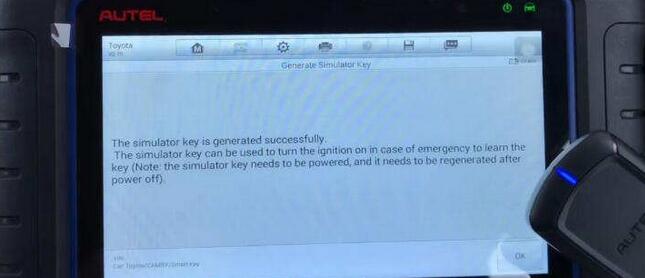
Now Autel IM508 programmer show you simulator key is generated successfully
Autel-IM508-&-APB112-All-Keys-Lost-Programming-for-Toyota-Camry-2016-15
Back to menu to select “Add Smart Key”
Autel-IM508-&-APB112-All-Keys-Lost-Programming-for-Toyota-Camry-2016-16

Press “Yes” to use simulator key

Note:Each step must be completed within the specified time
Autel-IM508-&-APB112-All-Keys-Lost-Programming-for-Toyota-Camry-2016-17

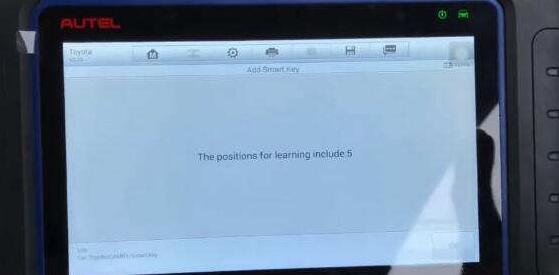
The positions for learning include:5

Click “OK”
Autel-IM508-&-APB112-All-Keys-Lost-Programming-for-Toyota-Camry-2016-18

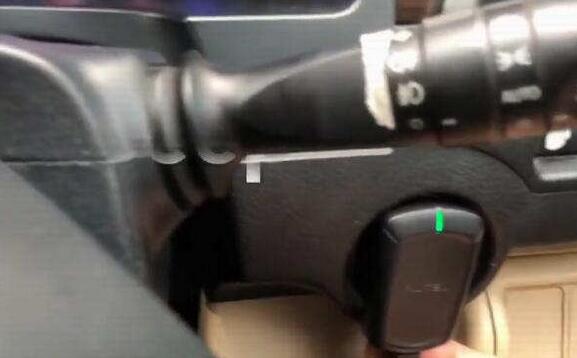
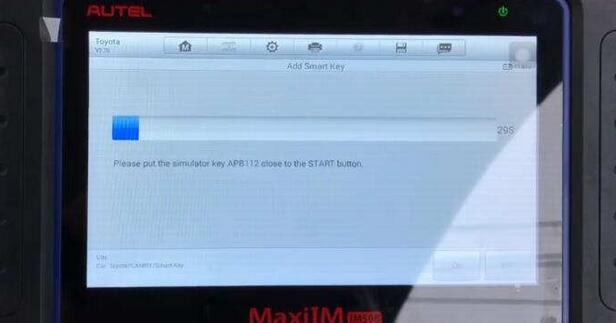
Put the simulator key APB112 close to the START button
Autel-IM508-&-APB112-All-Keys-Lost-Programming-for-Toyota-Camry-2016-19

Autel-IM508-&-APB112-All-Keys-Lost-Programming-for-Toyota-Camry-2016-20

Then you will sound a beep,remove simulator key

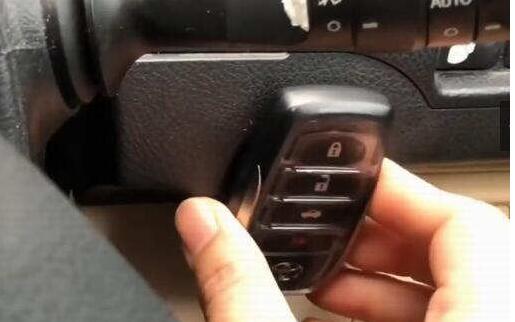
Put the new smart key to learned close to the start button
Autel-IM508-&-APB112-All-Keys-Lost-Programming-for-Toyota-Camry-2016-21

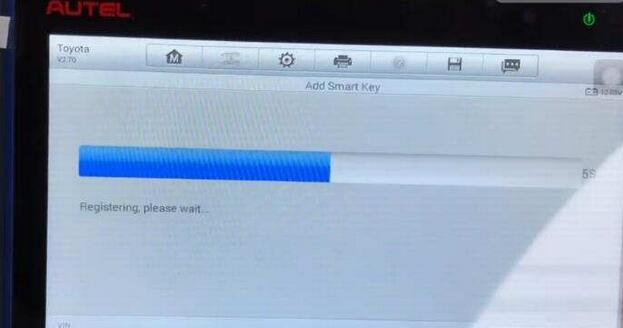
After get two warming sound “Beep Beep”,remove new smart key from START button

Registering,please wait…
Autel-IM508-&-APB112-All-Keys-Lost-Programming-for-Toyota-Camry-2016-22

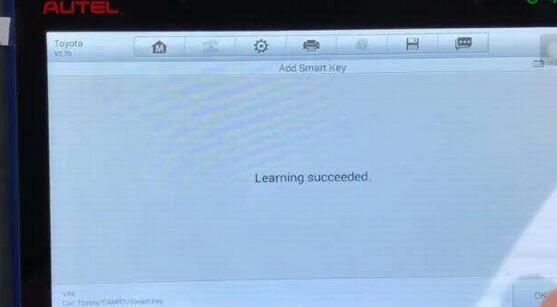
Learning succeed.

Autel-IM508-&-APB112-All-Keys-Lost-Programming-for-Toyota-Camry-2016-23

Now you can test the new smart key on vehicle.
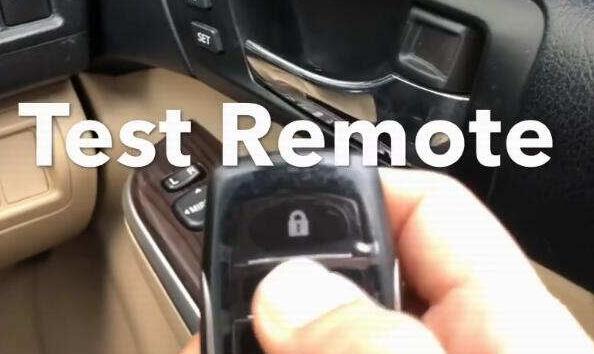
Autel-IM508-&-APB112-All-Keys-Lost-Programming-for-Toyota-Camry-2016-24

Done


訪客留言 (返回 obd2toolbella 的日誌)

訪客名稱:
電郵地址: (不會公開)
驗證碼:  按此更新驗證碼 (如看不清楚驗證碼請點擊圖片刷新)
俏俏話: (必需 登入 後才能使用此功能)
[ 開啟多功能編輯器 ]