Xentry Connect C5 2019.12 can update in the way of ISO Image file or ship back the hard disk to the dealer for update. This post describes how to update step by step, what to use and what should attention.
1. 2018.7 Best Quality Benz C5 features:
1): Hardware 1: 1 Best quality
2). Works with Mercedes Benz cars and trucks
3). Doesn’t come with computer, but with internal hard disk + one moveable hard disk.
2: How to update Benz C5?
Option 1: ship back the disk for update (Easy)
However, most users can’t update online by themselves, so you are highly advised to ship back the dealer with the internal solid hard disk as well as the external Dell hard disk, the Dell hard disk update is up to you, you can ship back or not as you like.
Benz C3 software: Benz C5 2018.7 is available with Solid Hard Disk sold at 145USD free shipping by simple post.
Option 2: update Benz C5 with the ISO Image file (need skills)
2018.7 update
https://pan.baidu.com/s/1we1H-xLyv5gF91xI-9XwDw
Password: 8m9q
Note: If your C5 is bought before 2018.3 and want to update, then contact the dealer for remote assistance; if your C5 is bought after 2018.3, you can directly download the above link to update.
How update Benz C5 with the ISO Image file?
Tools required:
IODD 2541
Xentry_Kit_09_2017.iso(copy to the folder: iodd 2541 _ISO)
Benz C5
Panasonic power adapter
SanDisk U disk 64G high speed 3.0 sales for 29.99USD free shipping by post service.
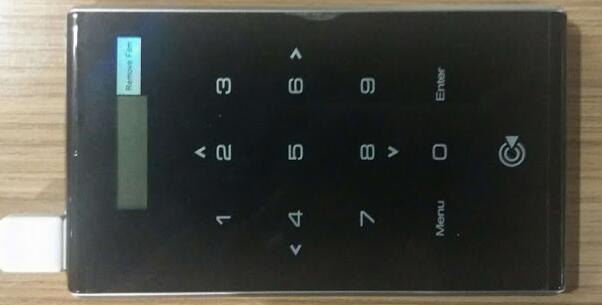
IODD 2541
Panasonic power adapter

Xentry Connect C5 multiplexer
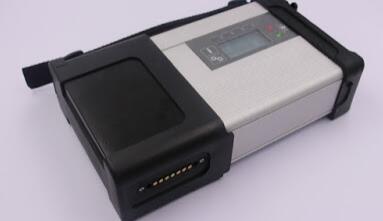
C5 mux in standby mode
Plug the Panasonic power adapter into Benz C5
Insert IODD 2541 into the USB port on C5
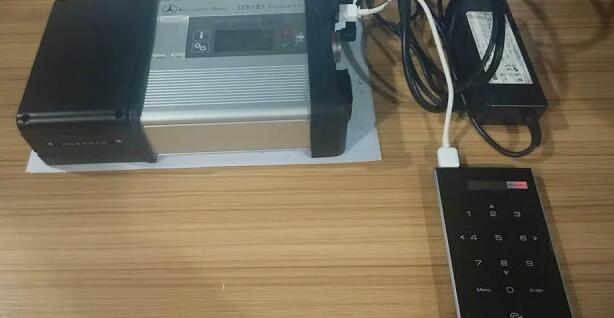
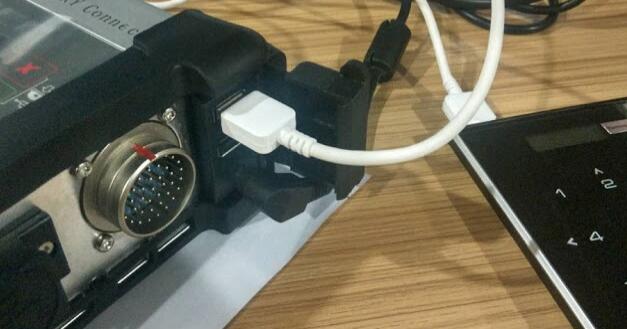
Ensure Benz C5 is in a standby mode, then hold the “X” and “√” at the same time, then it will pop up “Start Update?” (if it pop up “Start XENTRY Connect?” instead, then, please wait until it disappears, then repeat the operation until it display “Start Update?”)
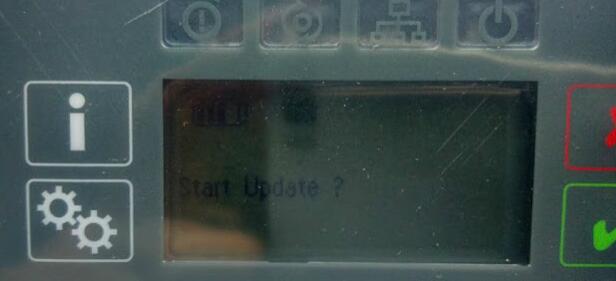
When you see “Start Update?”, press “√” and Connect C5 will go into the update status and IODD 2541 will light up shown as below.
Just quickly press button “5” on IODD 2541.And the cross “X” will turn a circle “O”.

Please look at the Benz C5 screen, it is updating.
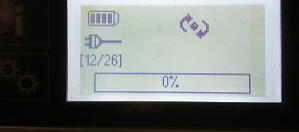
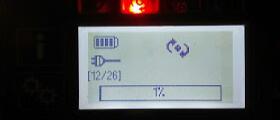
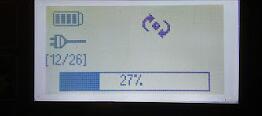
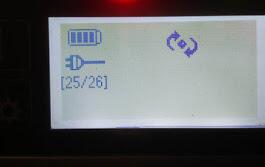
The update will take 50-55 minutes to finish, after complete the system will restart.

If the system fails to restart, turn off C5 and then restart it.
When C5 starts, take out the hard disk in the C5 and install it into the laptop I.E Dell 55220. Before it, Please install the Windows machine on the U disk
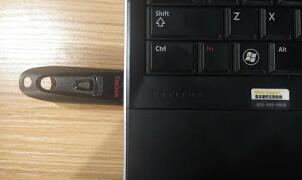
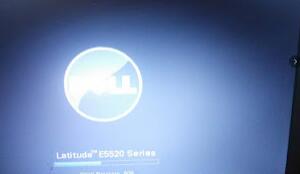
Press F12 when you see the pop-up “F12 Boot Options”
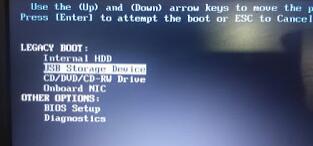
Choose “USB Storage Device” and press “Enter”.
Choose [03] WIN2003 PE Classical

Go to the PE system and open “create a new user” program.
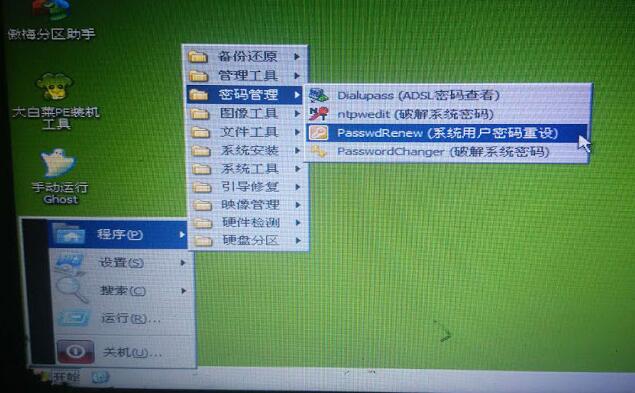
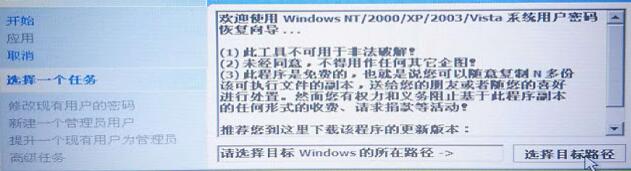
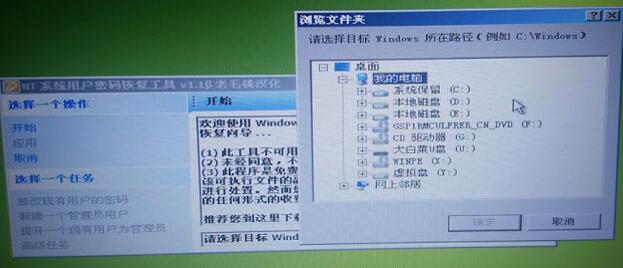
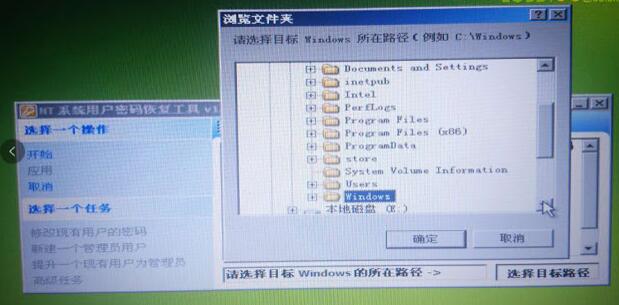
Note : Windows should be located in disk D:
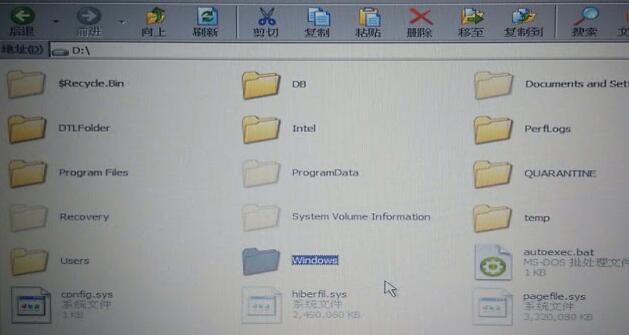
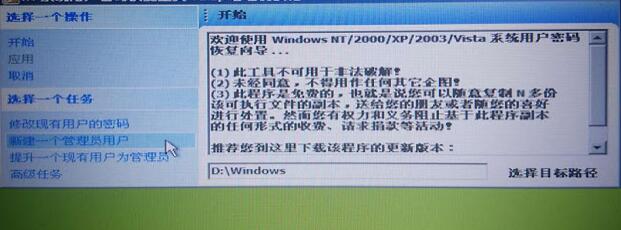
After choose the path, right click on “Create a new admin account” on the left.
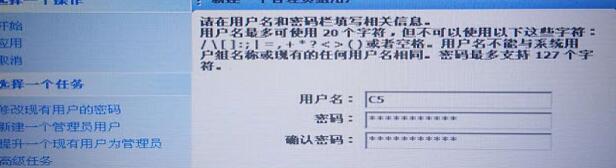
Input user name : C5, password: abc12345678 ( you are allowed to input any user name and password as you like).
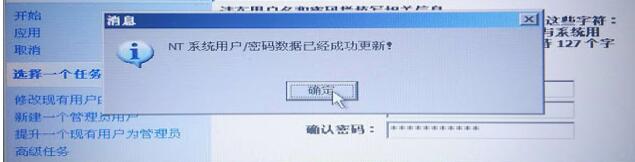
Click on Ok
Close the application
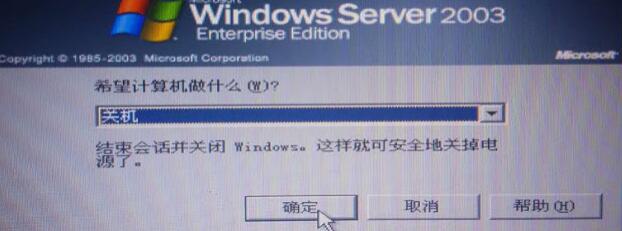
Turn off the laptop
Take out the disk off the laptop and install it into C5 multiplexer
3. How to active Xentry Connect C5 after update?
After update complete every time, paste this Benz C5 key to “StartKeyCerter” to active the diagnostic software.
Here is the procedure to follow on how to activate:
https://mega.nz/#!Gp8lzLLK!-B3Ytw1j-YoC9tWM_atYxgvmer5mbOMNxfH4BYz4D0E
Files need to activate C5:
Activation key
2018.7 key
Back list C5
4. Benz C5 Questions and answers:
Q: Can Benz C5 2019.12 work with both cars and trucks?
A: Yes.
Q: Can Benz C5 software be copied to a personal computer?
A: No, the software is bound together with the multiplexer, it can’t be copied.
Q: Can Benz C5 software support Expert DTS?
A: No, not supported so far.
Q: What’s the difference between Benz C5 and C4?
A: All of the Benz C5 software is free for 3 years until the account invalid. C4 upgrade needs to be cracked every time, it is very troublesome.
Q: Is Xentry Connect C5 available with the installation guide in other Language?
A: Yes. here you can refer to:
Xentry Connect C5 installation in English
Xentry Connect C5 installation in French
Xentry Connect C5 installation in German
Xentry Connect C5 installation in Italian
Xentry Connect C5 installation in Spanish
Xentry Connect C5 installation in Japanese



