This instruction show you guide on how to use Launch X431 tool like Launch X431V or Launch X431V+ pro3 to program brake pad replacement for Audi A7 2012.
Prerequisites:
The battery voltage is no less than 12V.
Ignition ON and engine stopped.
Parking brake switch pressed and instrument panel brake lamp off before basic setting
Procedures:
Turn on the ignition switch.
Choose brake pad reset V10.40 or a later version.
Choose AUDI.
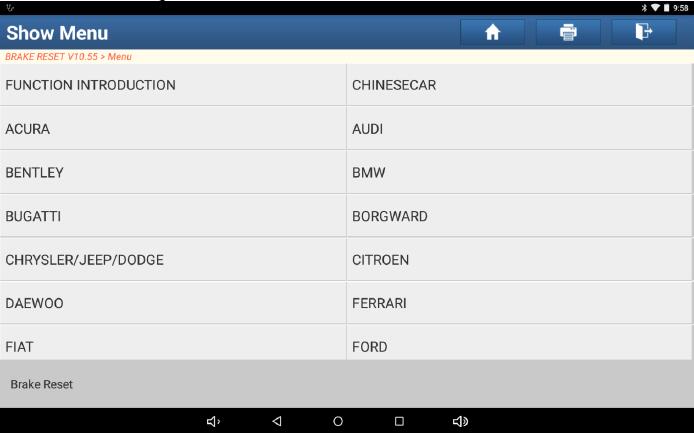
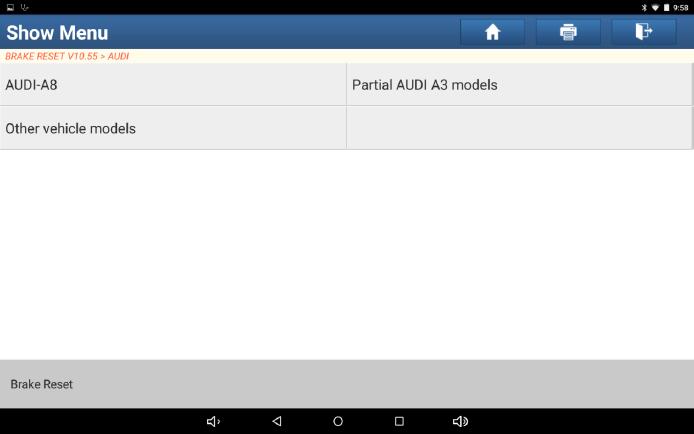
Choose Other Vehicle Models.
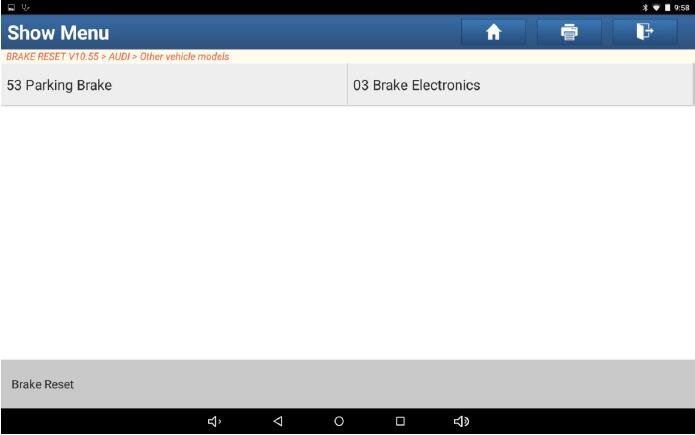
Choose 53 Parking Brake.
Note the brake pad replacement conditions.
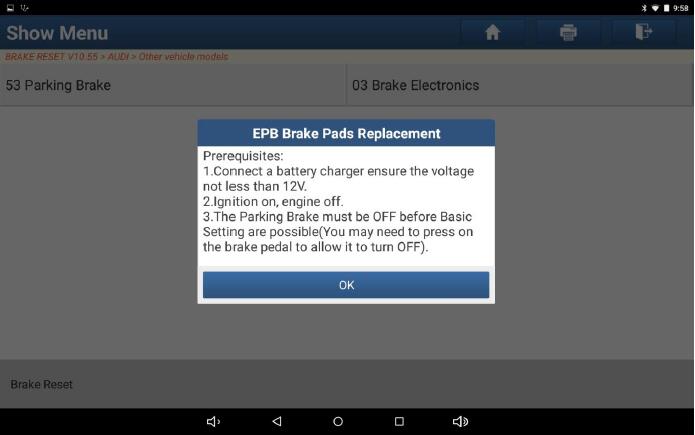
Click OK. The brake pad replacement function menu is displayed. You can choose the brake pad replacement function as required. Choose Auto Rear Brake Pads Replacement.
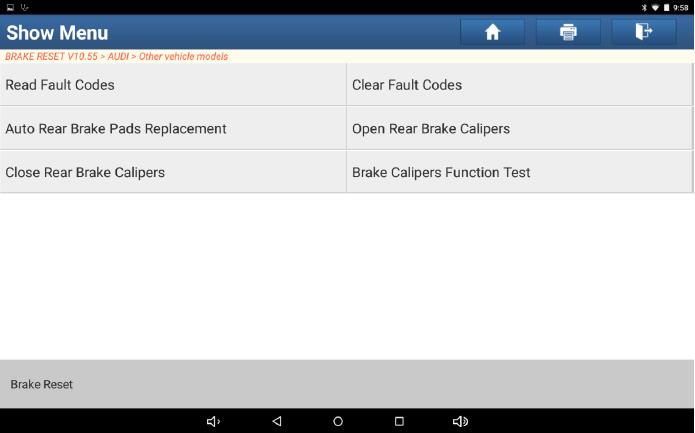
The “Read Fault Codes” menu is displayed.
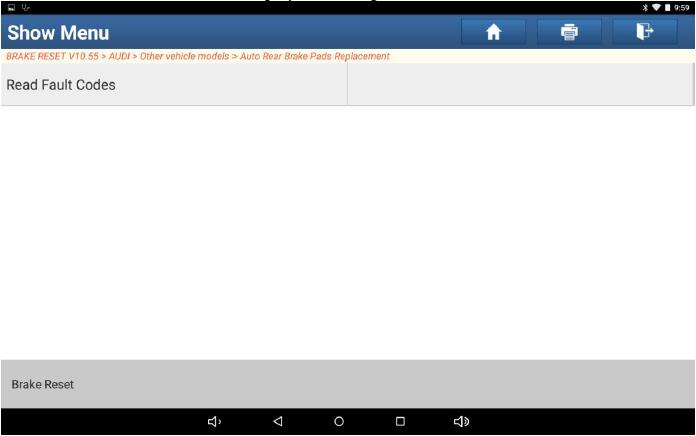
Choose Read Fault Codes.
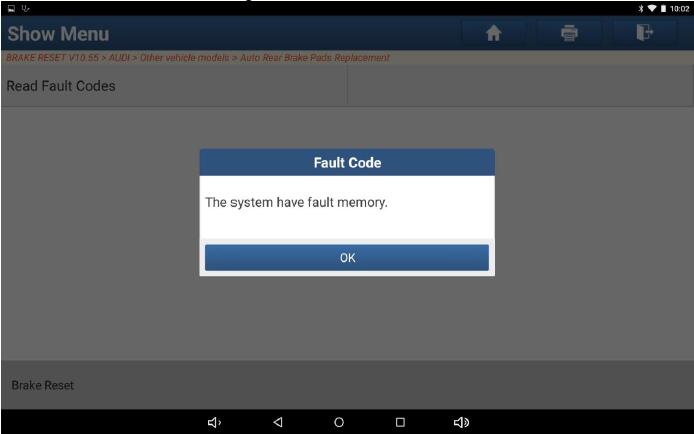
Click OK. The “Clear Fault Codes” menu is displayed.
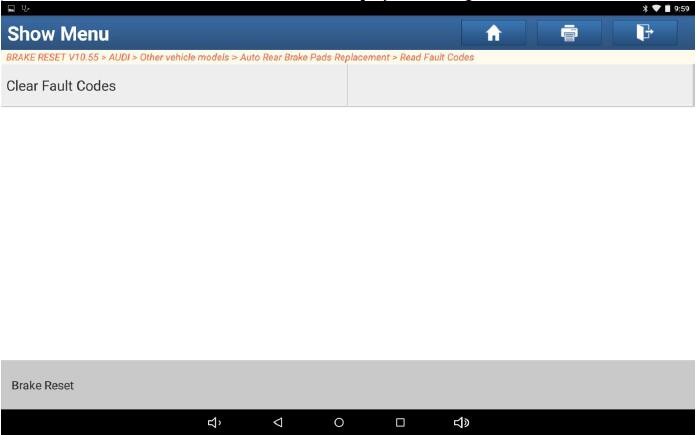
Choose Clear Fault Codes.
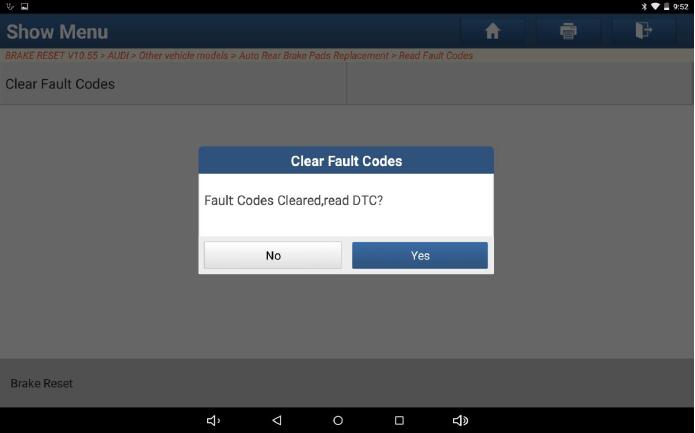
If the fault codes have been cleared, click No.
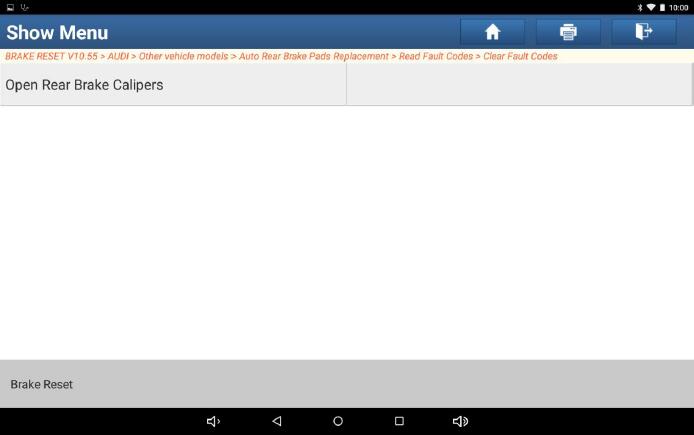
Choose Open Rear Brake Calipers.
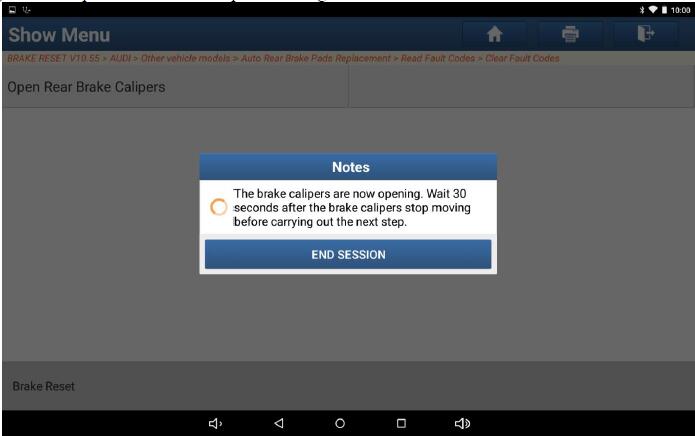
Wait for about 30s. The brake calipers have been opened.
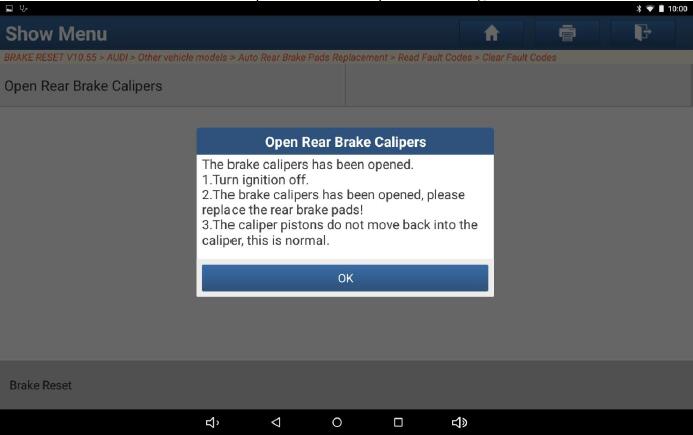
Click OK to replace the brake pads. See Figure 14. When replacing the brake pads, if the motor is not completely separated, manual “open-top” is required.
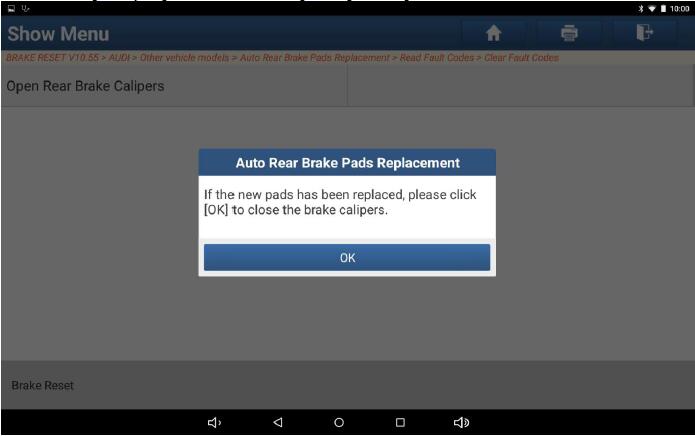
After the brake pads are replaced, click OK. The “Close Rear Brake Calipers” menu is displayed.
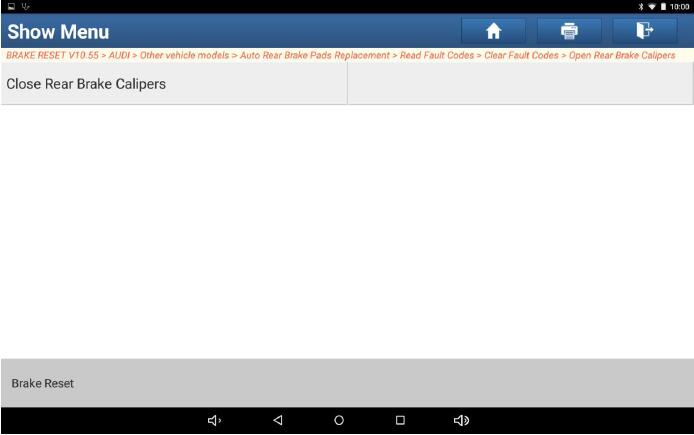
Choose “Close Rear Brake Calipers”. The conditions for closing rear brake calipers are displayed.
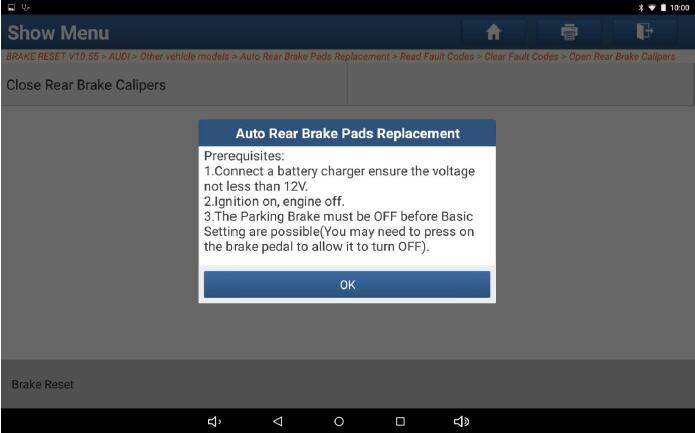
If the conditions are met, click OK.
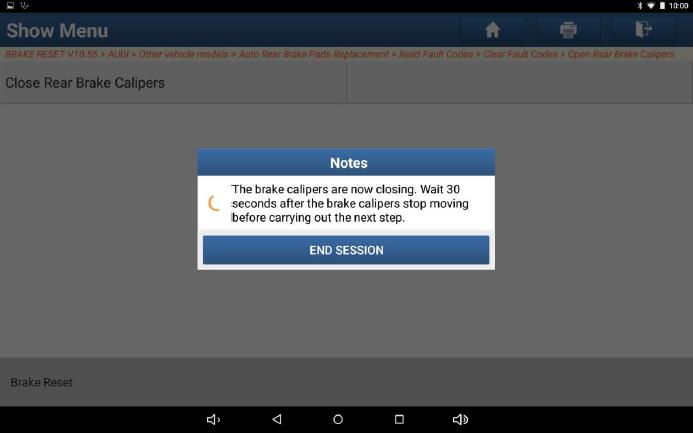
Wait for about 30s. The brake calipers have been closed.
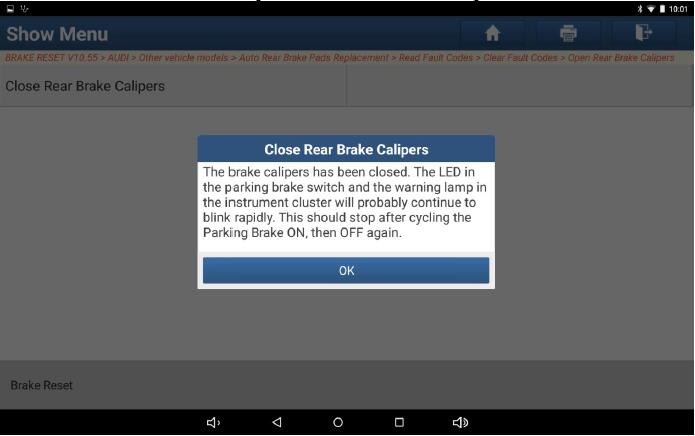
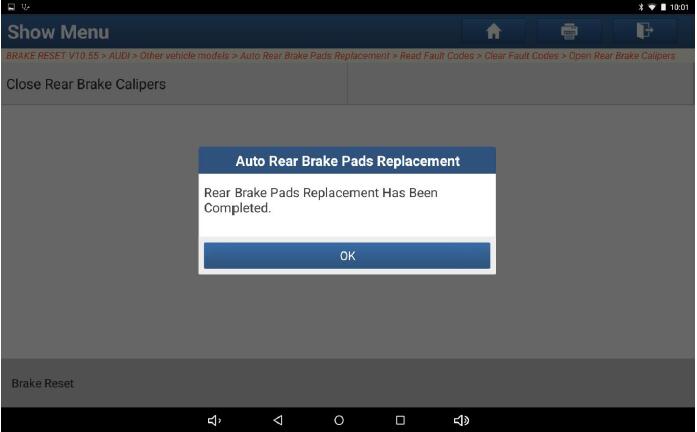
Click OK. Brake pad replacement is completed.
|



