This test case from OBDSTAR tech support team,it show how to use OBDSTAR X300 DP Plus to adjust mileage for VW Sagitar.
Procedures:
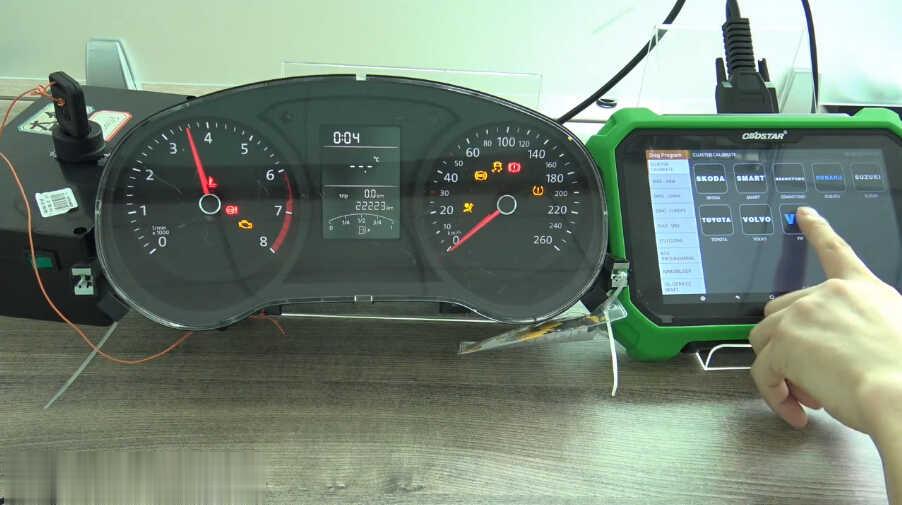
Enter the Auto Key Programmer OBDSTAR X300 DP Plus menu to select “Diag Program”è”Cluster Calibrate”è”VW”
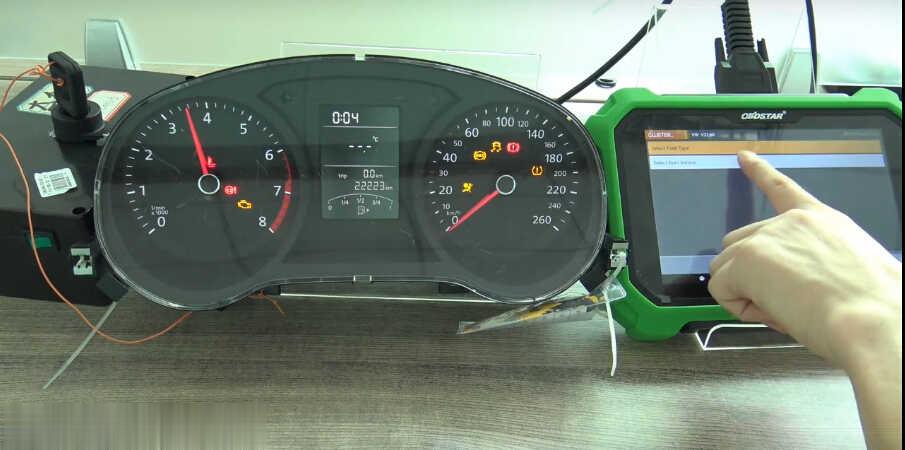
Select “Select from vehicle”
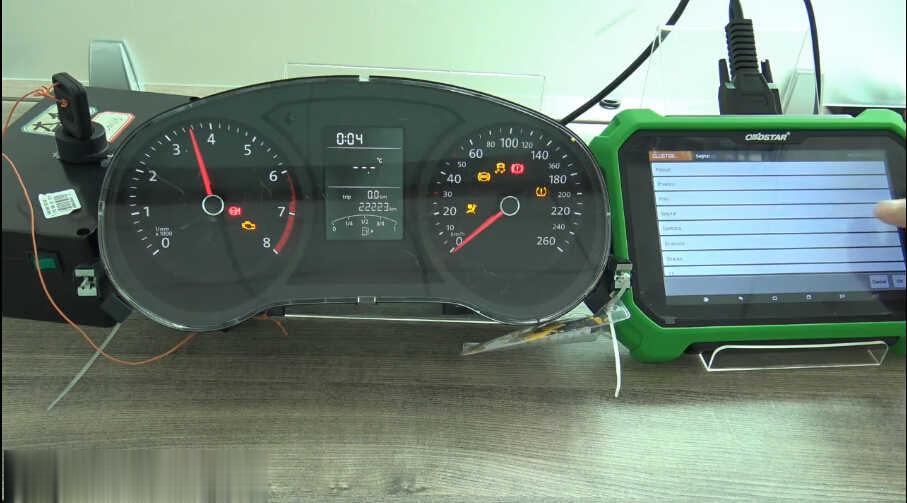
Select “Sagitar”
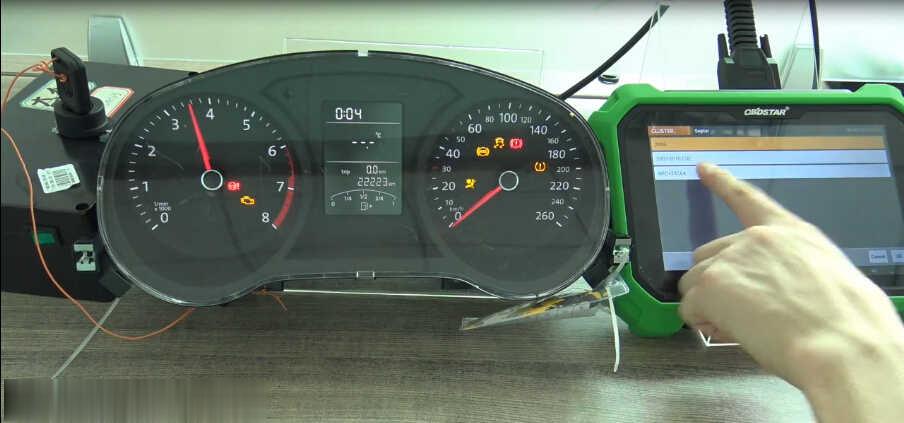
Then select “NEC+24C64”
Read EEPROM
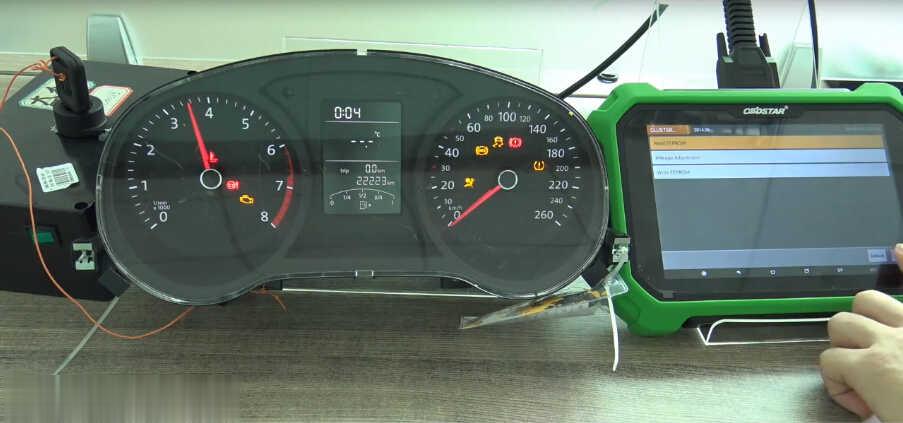
It will show the massage “Please turn the ignition first.If it is a smart key ,please turn off ignition,and then turn it on,press “ENT” key continue.”
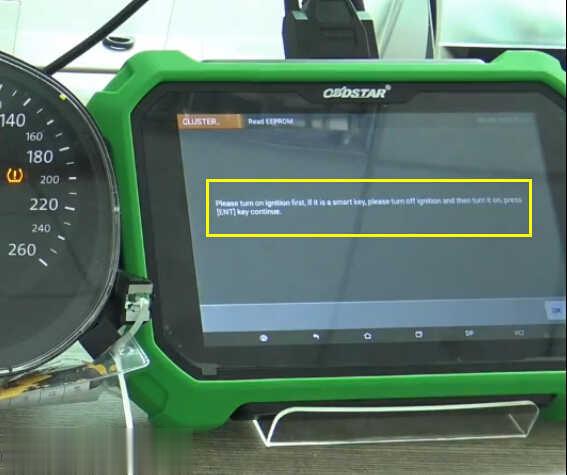
Then enter the file name to save the EEPROM file.(Backup EEPROM)
After saving the EEPROM,back menu to select “Mileage Adjust”

Warning massage:
Note:Adjustment mileage may caused the EEPROM data to be damaged,please backup the EEPROM data file.
The current mileage is 22223,you need to enter the value you want.
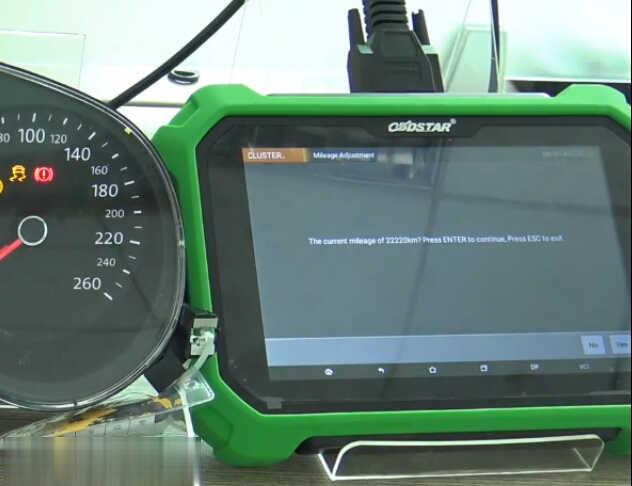
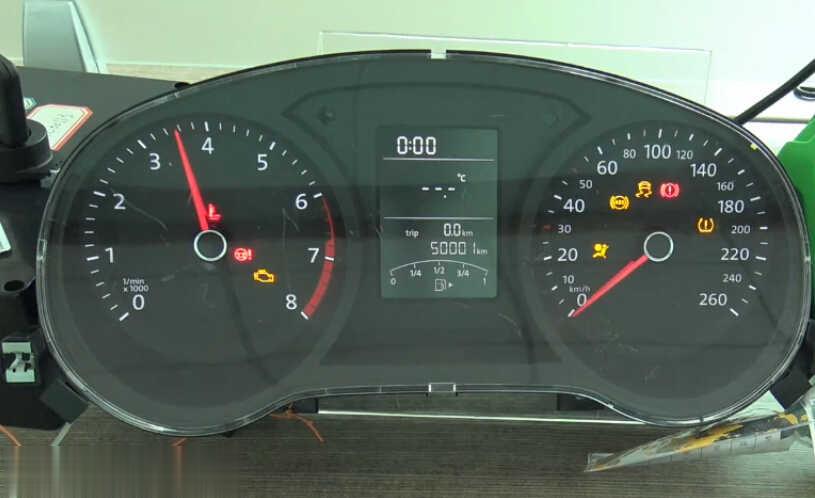
Here input “50,000” as a example
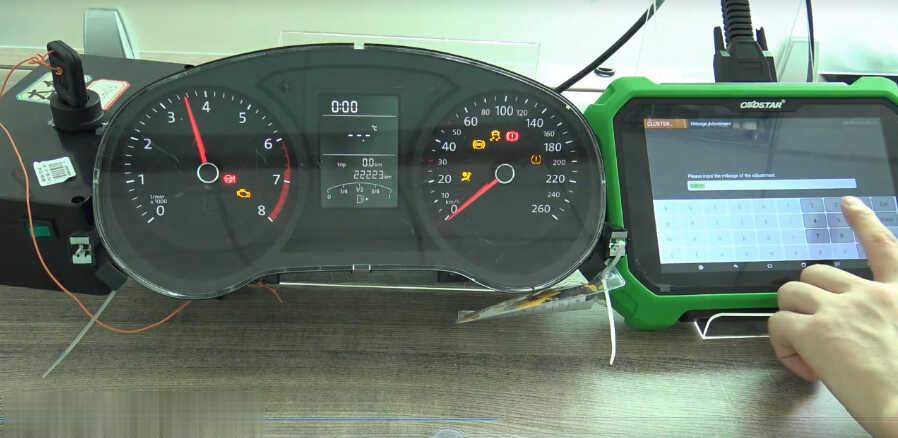
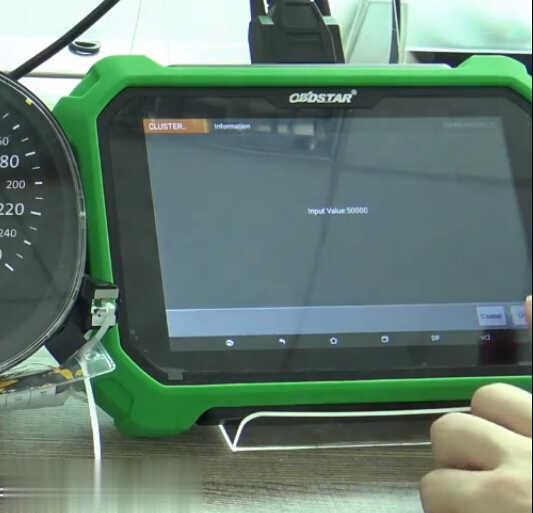
Please turn the ignition first.If it is a smart key ,please turn off ignition,and then turn it on,press “ENT” key continue.
Ensure the instrument in the black screen state.
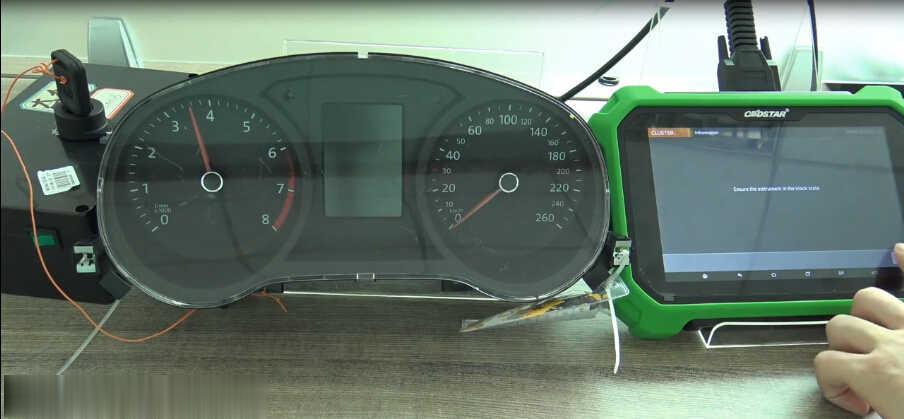
Finish

|



