Received one Autel IM608 Pro, gonna show its basic diagnostic functions, hook it up to one Chrysler LX-300 2014 for example. The nice feature is that it supports printing the test report. And we can download the car brand we actually do need, and uninstall the car brands we don’t need so that the tablet is not slow. Besides, before programming a key to a vehicle it is mandatory that we run a diagnostic scan on the vehicle just to make sure everything is working good so that we successfully program a working key!! so that’s the only reason we’re going to make sure all modules are connected with each other and were able to program.
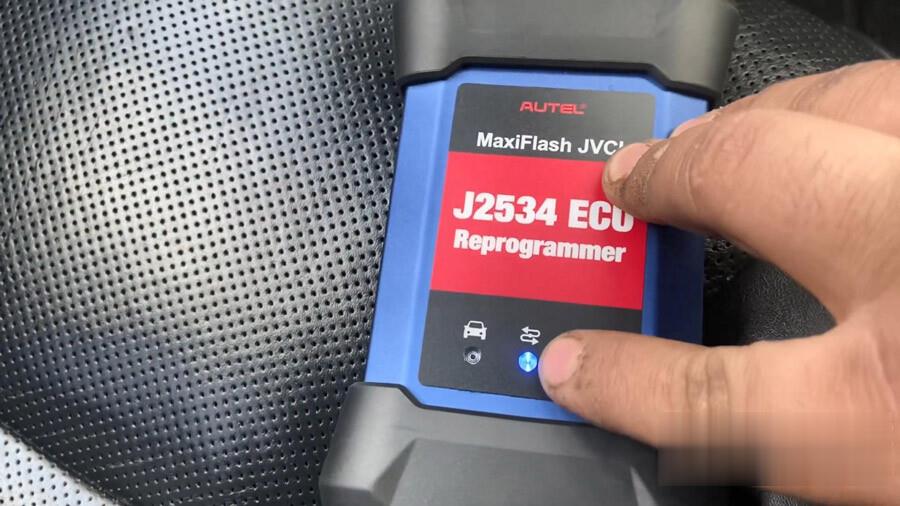
So we need MaxiFlash JVCI J2534 ECU Reprogrammer, this is our diagnostic tool, we’re going to connect it in the port of vehicle. This is our main cable connecting to the vehicle, it actually tells “For MaxiFlash JVCI only” so it’s gonna be for a diagnostic cable.
You do not need to plug in your tablet to anything, it’s wireless Bluetooth connect.
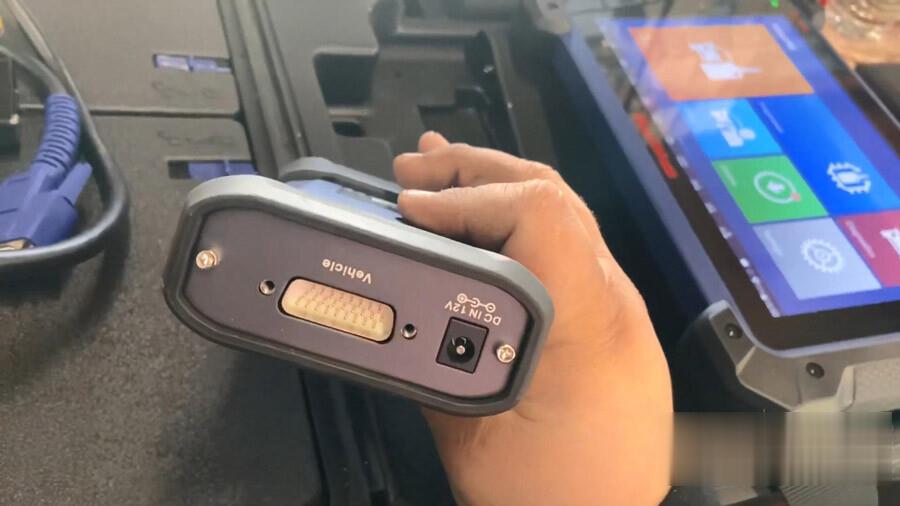
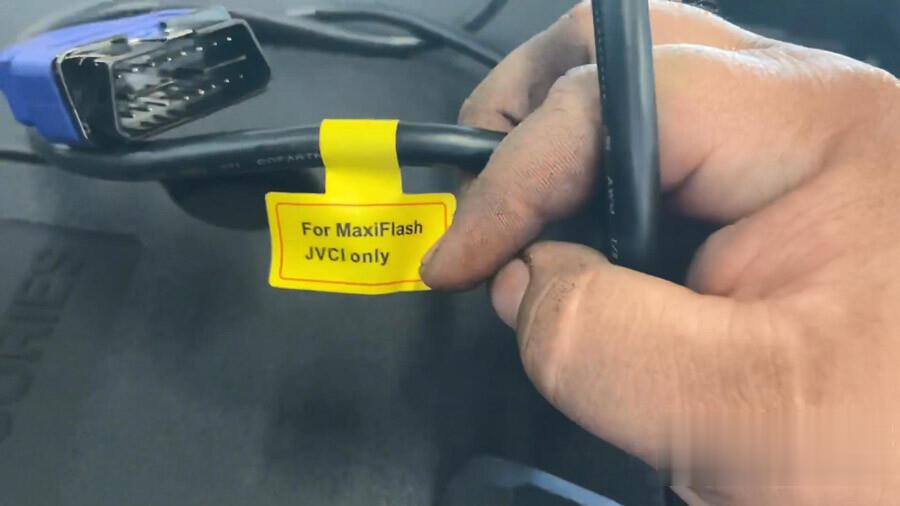
Part 1. Scan and Diagnose 2014 Chrysler LX-300
So let’s go to a vehicle. Hook out stuff up and get started.
This vehicle was previously crashed, so it’s missing some air bags, that’s gonna pop up here, right now we’re connected our MaxiFlash to our vehicle. As you can see it has power.

We have our tablet on, we’re gonna go ahead to open it, as you can see our MaxiFlash flashed it’s telling us that it has connection okay.
We’re gonna go to diagnostic.
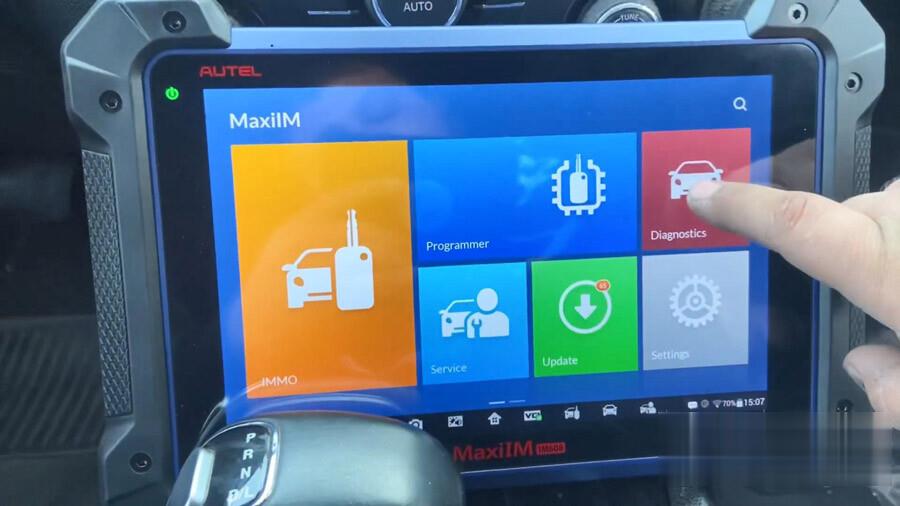
We’re just making sure that the immobilizer system is good and there’s nothing wrong with it.
So right here this is just for check engine on.

But we want to do a full scan. We’re going to “Auto detect” or we can put it in manually.

So let’s auto detect it’s more easier for us. Scan VIN, make sure the ignition is on.
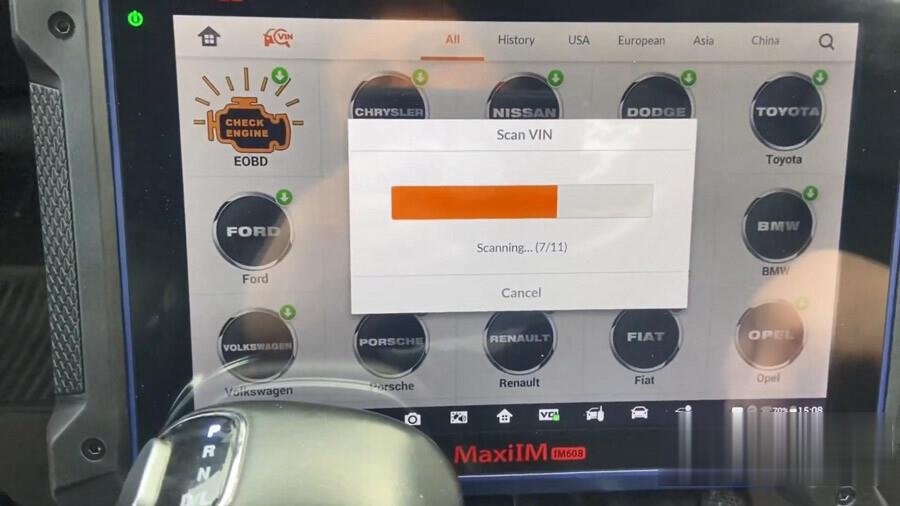
So we’re gonna go to Chrysler (USA).
Accept the disclaimer.
So that’s the Vin which is auto detected, press ok.
You see a little green light that means that it’s connected with the vehicle.
So, this is our model here, Model year, model series, model, Vin.
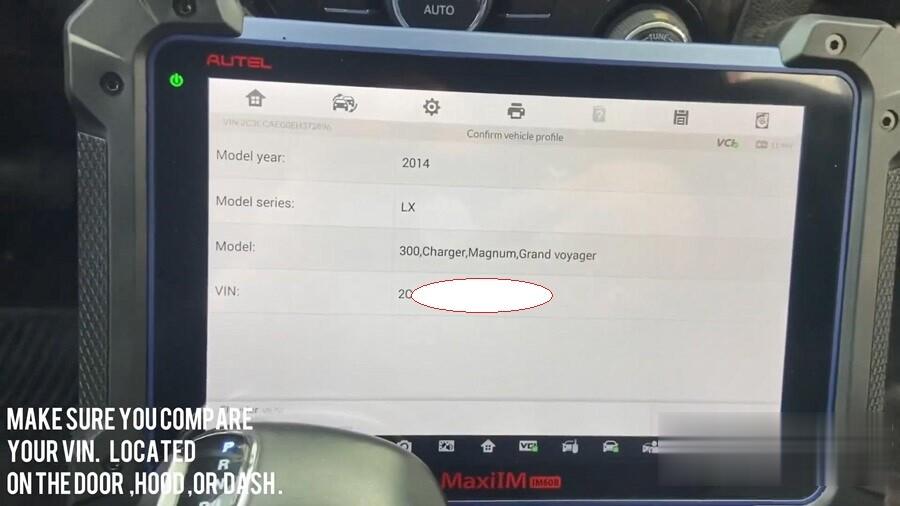
Press “Yes” to go ahead.
System data loading, this is reading all modules airbags, SRS, tire sensor etc.
Go to “Diagnosis”.
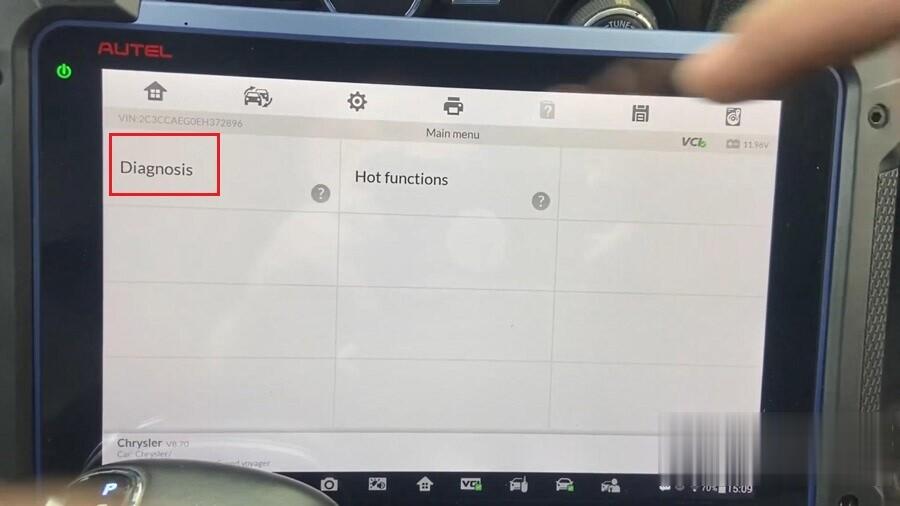
Tap “Auto scan”.

We are going to do the full scan.
It says faults that means that there is something wrong with that.
It says Pass that means there is no fault with the system.
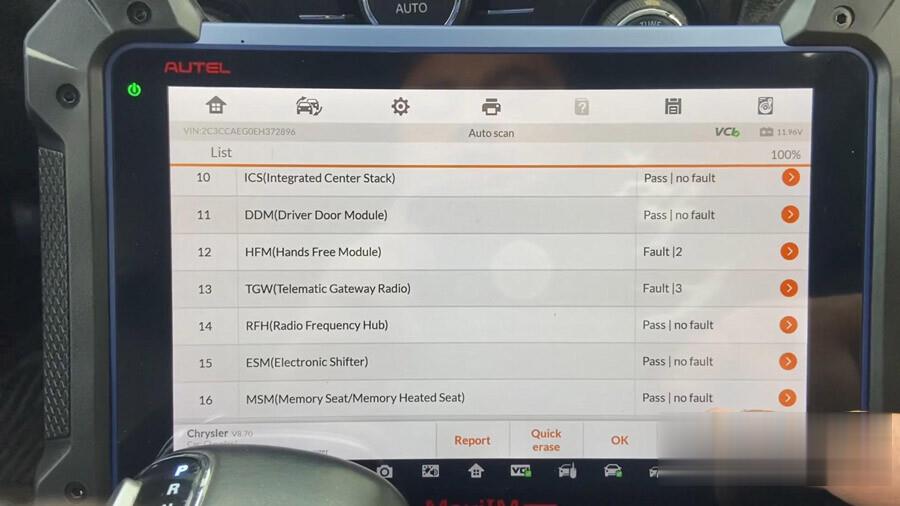
Let’s see what that is real codes, so we’re going directly into the module.
Tap “Read codes”, humidity sensor so they had just changed the windshied so that went off.
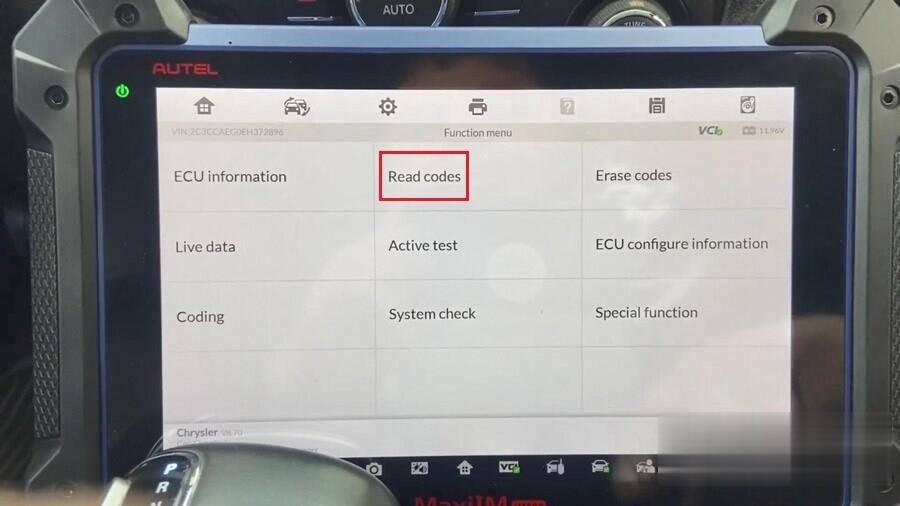
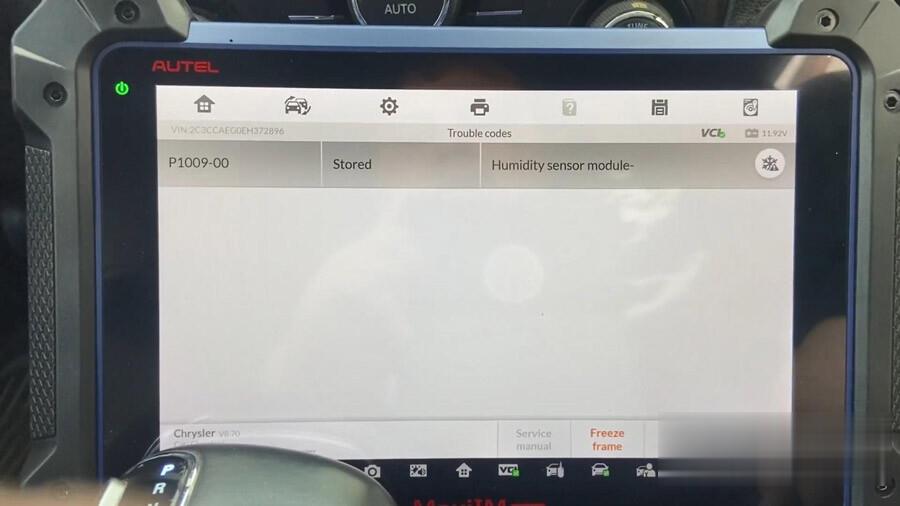
This is a nice little feature that Autel IM608 Pro will tell us the voltage of the battery at the upper right corner of the tablet, so it’s 11.92 volts. It tells you before that the battery’s gonna die or when it’s low.
Part 2. History, Save and Print
Go back, analysis will keep a history of our diagnostic scans.
2014 Chrysler LX-300, Charger… is our latest diagnostic scan.
It shows all the active codes right here, these are all still active on the vehicle.
And most of the fault codes are cleared.
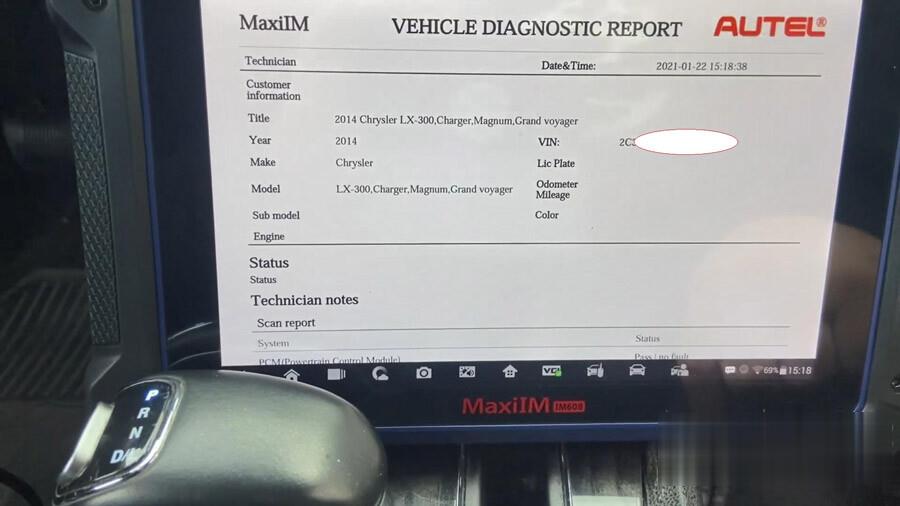
We’re going to go ahead to click on the 3 dots, we can choose “Print” it out, send it straight to the printer or we can email it, so if you need to email it to your customer.
Here we print it out, it does a PDF file.
So just make sure that you always do diagnostic scans before you start working on a vehicle on doing European cars or any other vehicle with your Autel, so you can save your button behind, just in case anything is wrong with the vehicle and the owner tries to
blame you for it and you are like hey sir “I actually did a diagnostic scan and then show that this was wrong and this is my side of evidence to show you.



Part 3. Update Car Software
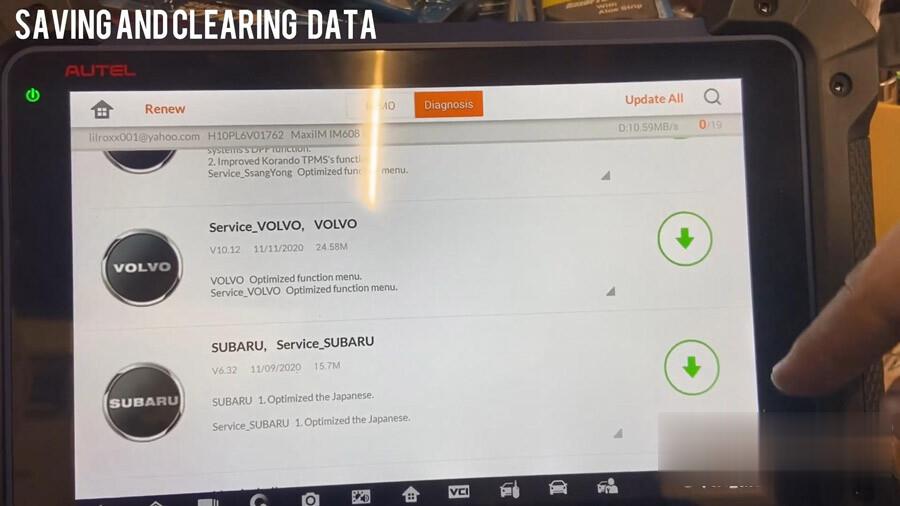
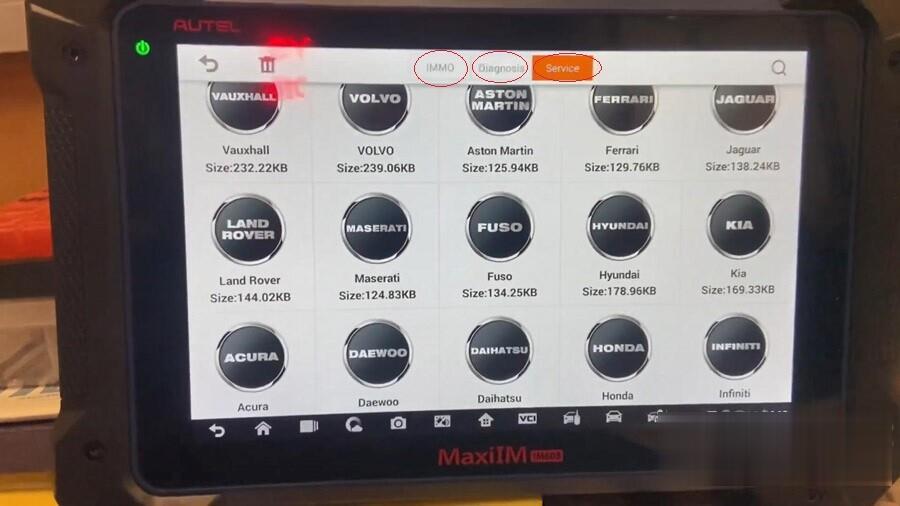
If you guys want to say memory when updating the software and all the vehicle information, only update the ones that you actually need. So I’m only selecting the ones that I actually do need.
Part 4. Uninstall the Car Software to save the memory
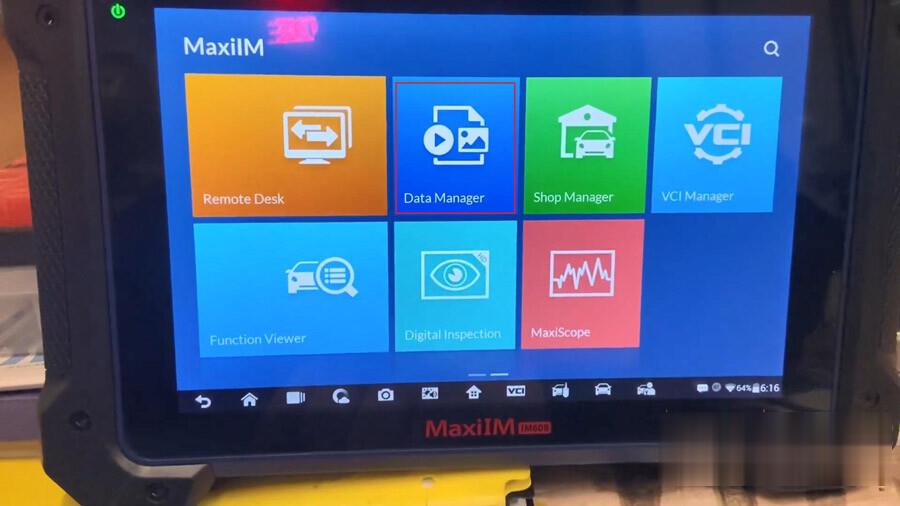
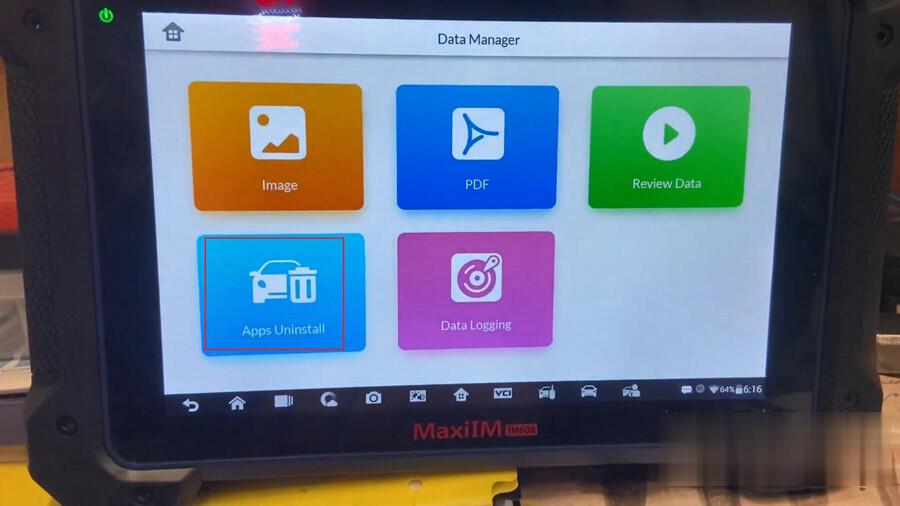
If you guys slide to the next page, we’re gonna go into “Data Manager”, then “APPs Uninstall”.
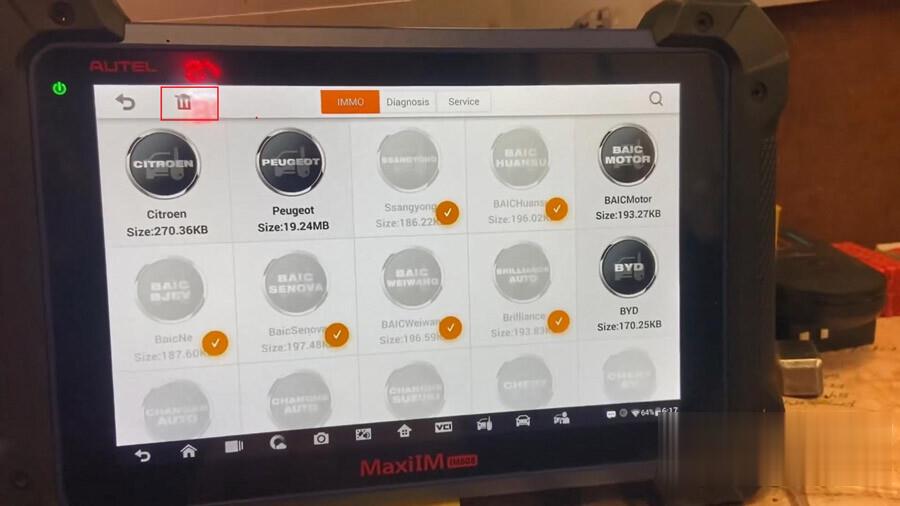
So as you can see I will uninstall the cars that I don’t have on my country. So we select the cars that we don’t need and delete them to the little trash can.
Whatever same thing for Diagnosis and Service. That shows you how to save memory, so your Autel IM608 Pro is not slow.
|



