Recently some customers asked about MB SD C4 programming capability. Here obd2eshop engineers have made a guide on activate Benz 211 unlock and lock beep with MB SD C4 diagnostic tool for your reference.
Car Model:
Mercedes Benz W211
Tools you need:
MB SD C4 Diagnostic Tool
This is my experience of how to activate the unlock and lock beep on my Mercedes E55, with sd connect c4 mux. I found ask for help about this, and i would like to share my experience with a few Mercedes brothers. Hope this helps in deed.
Model:
Mercedes Benz E55 AMG (W211) ‘2008
mb star
Tools i used:
SD connect compact 4 diagnostic mux
Dell laptop D630
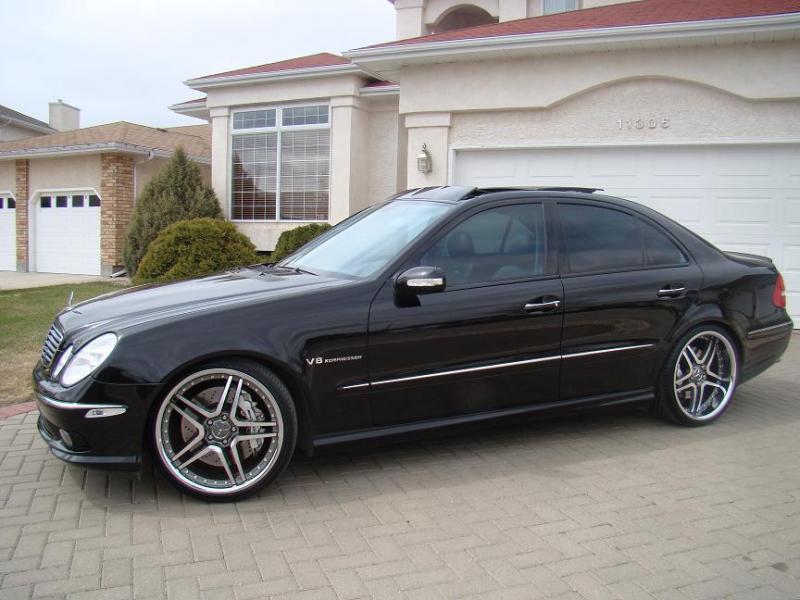
(here i highly recommend you esp. for new uses to buy plug-and-play diagnostic bundles- mux with laptop, for it could avoid lots of installation problems and can be used directly when get it. To save money, i used new sd c4 and second-hand laptop.)
The procedure of activation of the unlock and lock beep
Open the laptop and Xentry.
Connect the sd c4 mux with the car.
For connection diagram, i referred to mbstarshop and most of problem can be found and solved by their technicians.
For the laptop and c4 mux, i used wireless connection.
Open software Xentry.
Model series selection: 211
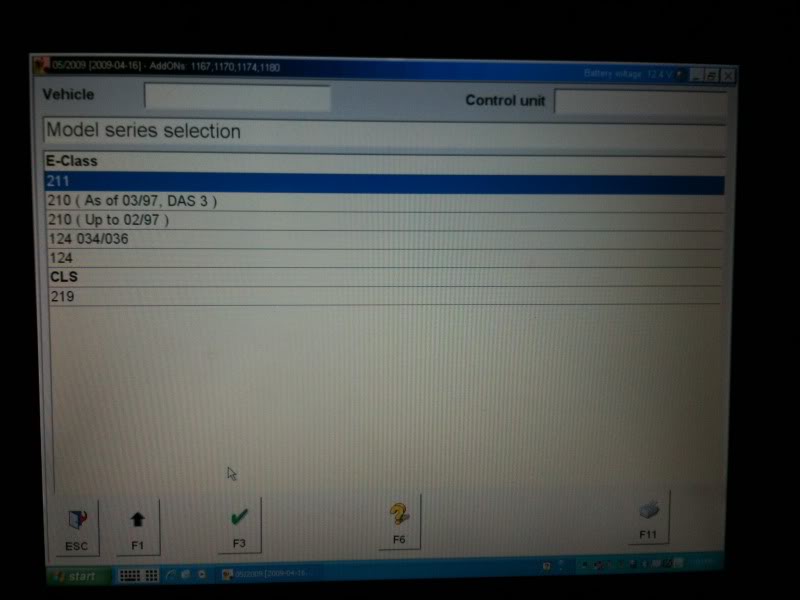
This is the main menu
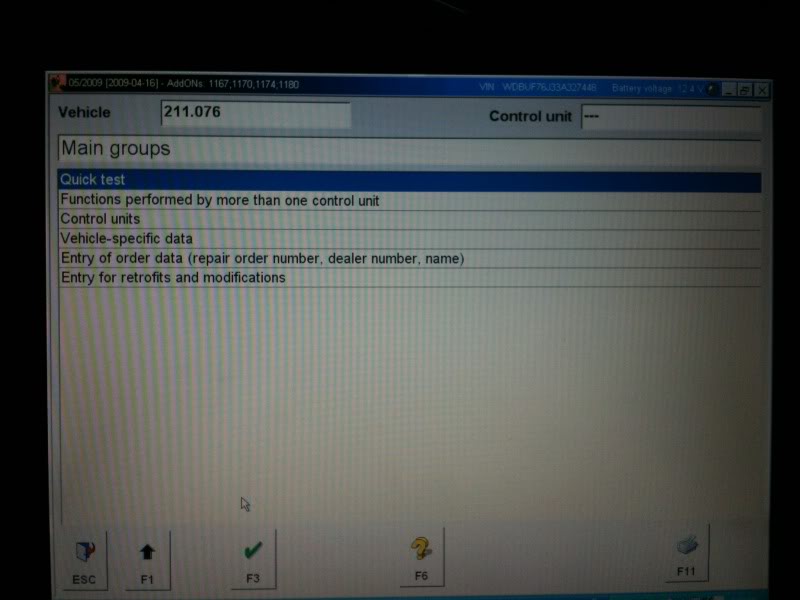
Select Control units
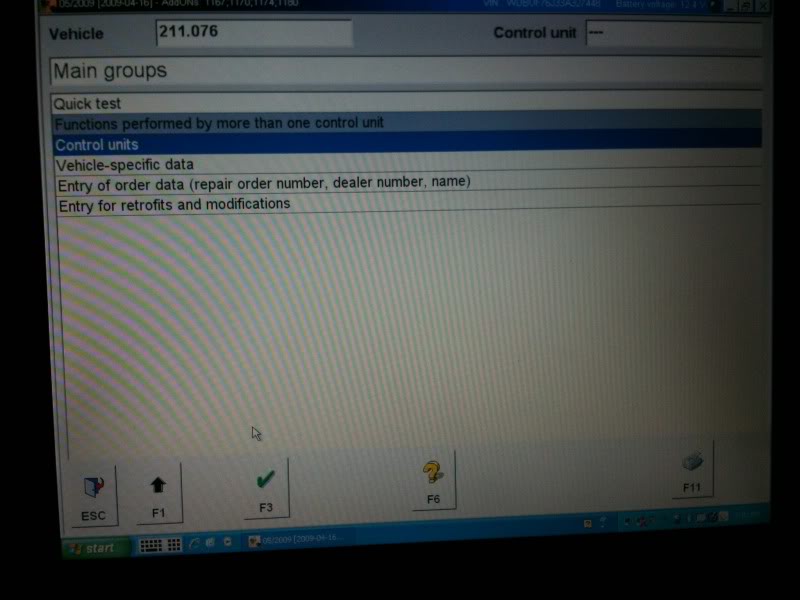
Then Body
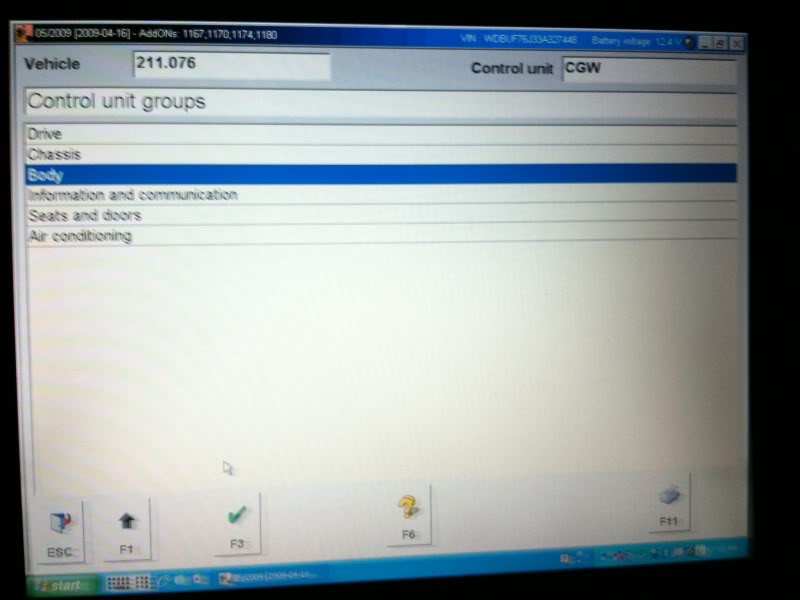
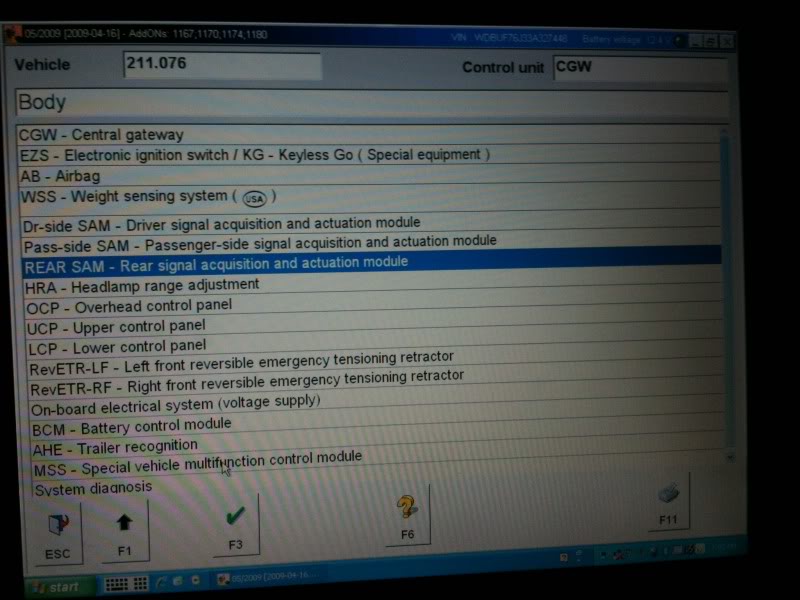
Then rear SAM – rear signal acquisition and actuation module
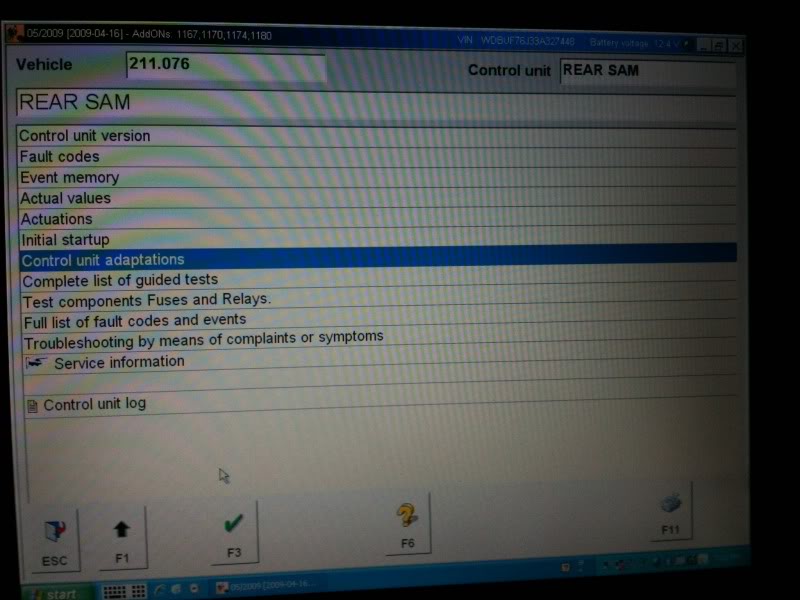
Then Control unit adaptations
Then national version of ATA function
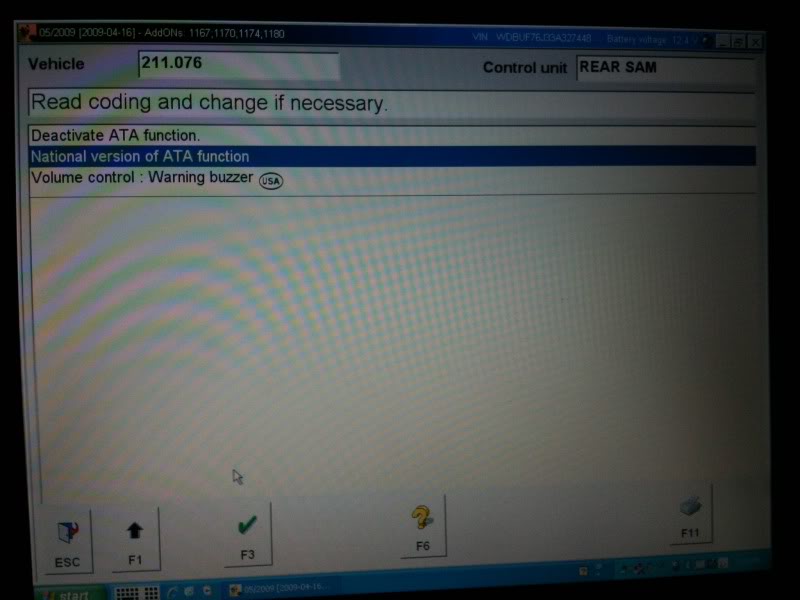
At this screen you will see a pull down menu with a list of different regions on it. The only ones you need to worry about are USA with buzzer and Netherlands. If you choose USA, I will give you three short quick beeps when you lock the car and one short when you unlock it. Netherlands will give you three longer beeps when you lock the car and one long when you unlock it. Personal preference on which one you like. Here i select USA with buzzer.Then hit F3
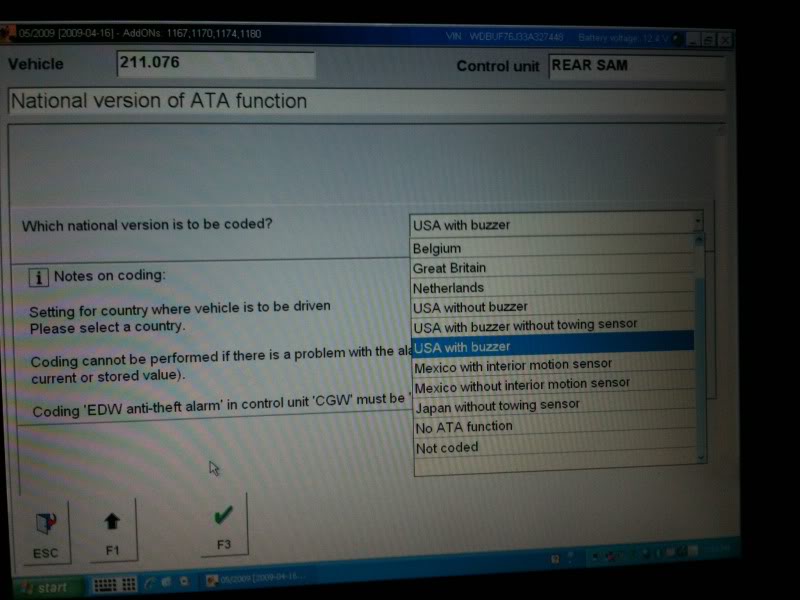
Then F3(YES)
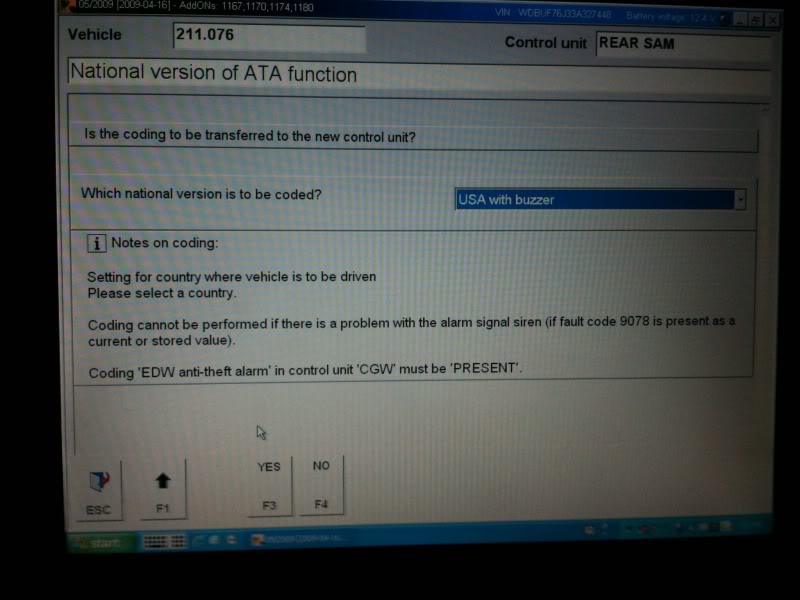
Done!
Hope this helps
|



